Canva Review 2026: Features, Pricing, and Who It Fits
Canva Review 2026: Features, Pricing, and Who It Fits
Canva has become the default design tool for people who need polished visuals without a design degree. This review looks at what it actually does well, where it runs into ceilings, what the pricing signals suggest, and how to decide whether it belongs in your stack.
What Canva is and how it works
Canva product interface.
Canva is a browser-based design and visual communication platform launched in 2013. It combines a drag-and-drop editor with templates, stock assets, AI tools, and publishing features across presentations, social graphics, videos, print products, websites, and documents. The company reports more than 220 million monthly active users and adoption by 95% of the Fortune 500, which explains why so many teams already have a Canva account before they evaluate anything else.
Setup is intentionally minimal. You sign in with an email or Google account, and the editor is ready immediately. There is no separate onboarding flow for AI features — they sit inside the same workspace. That low-friction start is a real advantage for teams where only one person has design software experience.
Core strengths
The text "Introducing Canva AI 2.0" surrounded by abstract graphics.
Templates and asset library
The free plan includes access to a large template library and millions of photos and graphics. Paid tiers expand this significantly, with Canva Pro offering over five million templates and a library of roughly 140 million animations, audio files, fonts, graphics, photos, and videos. For social media, presentations, and marketing collateral, the starting point is rarely a blank canvas.
Collaboration and brand control
Real-time collaboration is one of Canva's strongest features. Multiple people can edit a design simultaneously, leave comments, and work inside shared folders. Brand Kits let you lock colors, fonts, and logos so that non-designers stay on brand. Teams and Enterprise plans add usage reports, AI access controls, and organization-wide brand kits and templates.
AI tools that reduce busywork
Magic Studio includes Magic Write for text, Magic Resize for adapting designs across formats, Magic Edit and Magic Eraser for image adjustments, and AI image generation. Canva Sheets, Magic Charts, and Canva Code extend the platform into data visualization and simple interactive tools. These features are not best-in-class individually, but they remove the need to switch between several apps for routine tasks.
Publishing and export options
All plans export JPG, PDF, and PNG. Pro and above add CMYK export, which matters if you print outside Canva's ecosystem. Canva also supports direct publishing to social platforms and basic print ordering, which shortens the path from design to distribution.
Limitations and trade-offs
Precision and depth
Canva is built for speed and accessibility, not pixel-perfect control. Typography controls have improved with kerning and ligatures, but users still report gaps around paragraph spacing, OpenType features, and advanced hyphenation. Video editing, color grading, and motion design are functional but not competitive with specialist tools like After Effects or Premiere Pro.
AI credits and feature gating
AI features consume credits, and each account level includes a limited monthly allowance. Heavy users can hit those limits. Some tools, including live chat support and certain AI capabilities, are locked behind Pro or higher tiers, so the free plan is best treated as a trial rather than a long-term production environment.
The "good enough" ceiling
Canva wins because it makes everything usable for almost anyone. That same design choice means it rarely wins on depth in any single category. If your work requires advanced compositing, precise layout systems, or specialized illustration, you will eventually need to pair Canva with professional software.
Pricing signals
Canva uses four tiers:
- Canva Free — one user, limited templates and AI tools, 5GB storage.
- Canva Pro — around $15 per month or $120 per year for one user, with 1TB storage, up to 1,000 Brand Kits, full AI tool access, and a social content planner.
- Canva for Teams — around $10 per month or $100 per person per year with a three-user minimum, adding AI access controls and usage reports.
- Canva Enterprise — custom pricing with dedicated support, organization-wide brand kits, and single sign-on.
Annual billing offers meaningful savings. A 30-day trial is available for Pro and Teams, though payment details are required upfront. Canva Pro is free for verified nonprofits, schools, and teachers, which is a strong signal for education and mission-driven teams.
If you are comparing scheduling and publishing workflows alongside design, see our Sendible review and SocialPilot review for tools that focus on distribution rather than creation.
How Canva compares to alternatives

A person holding a baby presenting a design made using Canva.
Adobe Express is the closest direct competitor. It has a robust free tier, deep integration with Creative Cloud apps, and strong file conversion and video editing features. Express Premium is slightly cheaper at around $9.99 per month, and the Teams tier starts at $7.99 per person per month with a two-seat minimum. Canva counters with a larger template library, broader AI tooling, a website builder, and features like Canva Sheets and Canva Code that push it beyond simple graphic design.
For teams already inside Adobe's ecosystem, Express may be the more natural fit. For everyone else, Canva's accessibility and all-in-one scope usually win.
Who should use Canva
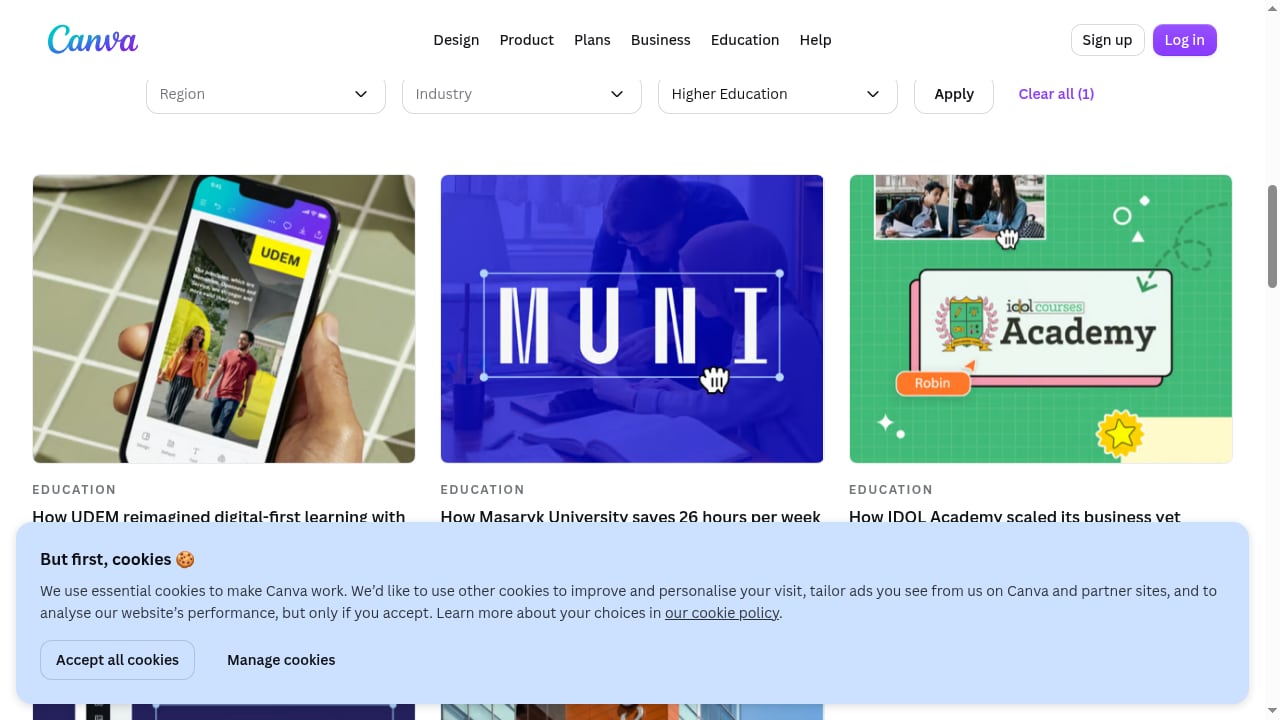
First viewport screenshot of Canva customer case studies.
Canva fits best when speed, collaboration, and brand consistency matter more than precision:
- Small businesses and solo marketers producing social posts, flyers, and presentations without a dedicated designer.
- Marketing and communications teams that need shared brand kits, approval-friendly workflows, and consistent visuals across channels.
- Educators and students who need accessible design tools; Canva Pro is free for verified teachers and schools.
- Enterprises that want centralized brand management, SSO, and AI governance at scale.
You should look elsewhere if your work depends on advanced video editing, professional color grading, or deep layout control. In those cases, Canva works best as a companion tool rather than a replacement.
Related reading
- Ordinal Review 2026: Features, Pricing & Who It Fits - Evidence-based Ordinal review for 2026: LinkedIn and X scheduling at scale, approval workflows, pricing signals, setup, limitations, and ideal users.
Sources and further reading
- Is Canva really that good? - Reddit - Jun 7, 2024 ... Canva is a user-friendly platform that offers excellent value with its Pro subscription. Personally, it was ideal for transforming my personal ...
FAQ
Is Canva free to use? Yes. The free plan includes the editor, a large template library, and limited AI tools. Paid tiers unlock more storage, assets, brand kits, and full AI access.
Is Canva good enough for professional work? For social media, presentations, marketing collateral, and lightweight video, yes. For pixel-perfect layout, advanced motion design, or specialized illustration, professional tools remain necessary.
Does Canva have a social media scheduler? Canva Pro includes a content planner that supports direct publishing to multiple social platforms. Dedicated schedulers offer deeper analytics and approval workflows; our Loomly review and RecurPost review cover those trade-offs.
Can I export print-ready files? CMYK export requires Canva Pro or above. Free users can export JPG, PDF, and PNG.
Is Canva Pro worth it? If you use the platform regularly, Pro's storage, brand kits, full AI tools, and social planner usually justify the cost. Occasional users can stay on the free plan.
Conclusion
Canva earns its popularity by removing friction from visual communication. It is not the most powerful tool in any single category, but it is one of the few that lets a whole team create, collaborate, and publish without specialized training. Choose it when speed and accessibility matter most, and pair it with specialist tools when your work demands depth.
For more evidence-based tool comparisons, see our Constant Contact review and Keyhole review.
Sources: PCMag Canva review, Concurate Canva AI review.