Sendible Review 2026: Features, Pricing & Who It Fits

Sendible Review 2026: Features, Pricing & Who It Fits
Sendible is a social media management platform built for agencies and teams that juggle multiple brands. This review breaks down its scheduling, collaboration, reporting, and white-label options, along with pricing signals and limitations, so you can decide if it belongs in your stack.
What Sendible Is and Who It Serves
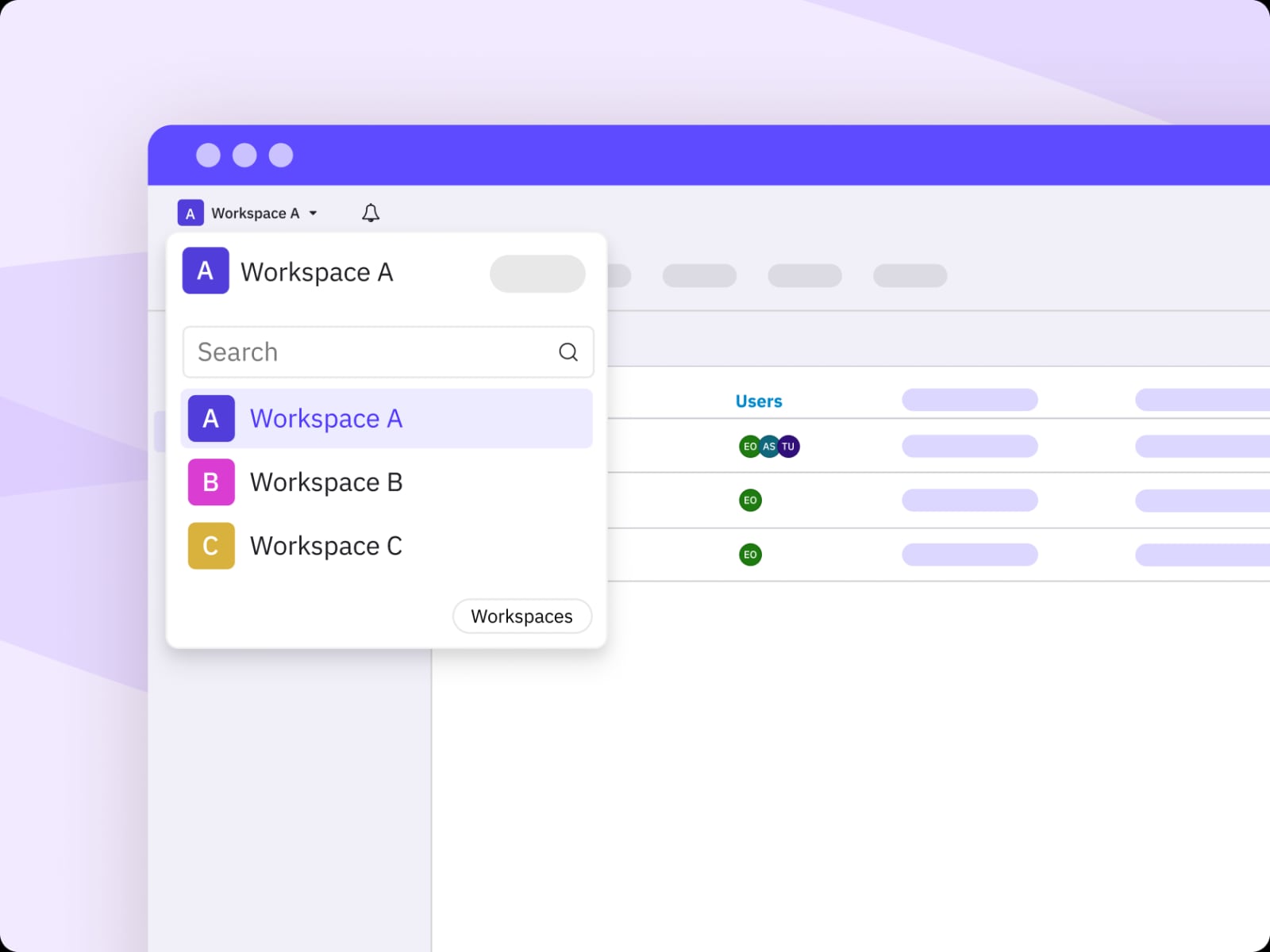
Sendible product interface.
Sendible is an all-in-one social media management platform designed for agencies, marketers, and growing brands. It centers on workspaces that separate clients or internal brands, a Smart Compose Box for scheduling, a Priority Inbox for engagement, and reporting that can be automated or white-labeled.
The platform supports major networks including Facebook, Instagram, TikTok, X (Twitter), LinkedIn, and Google Business Profile. It also lists industry use cases such as real estate, hotels, healthcare, insurance, fitness, property management, car dealerships, and loan officers, which suggests a focus on teams that need repeatable publishing rather than one-off posting.
If your work involves managing many profiles with a small team, Sendible's structure is likely to feel more relevant than tools built for solo creators. If you only post to one or two accounts, a simpler scheduler may be a better fit.
Core Features That Matter in Daily Use
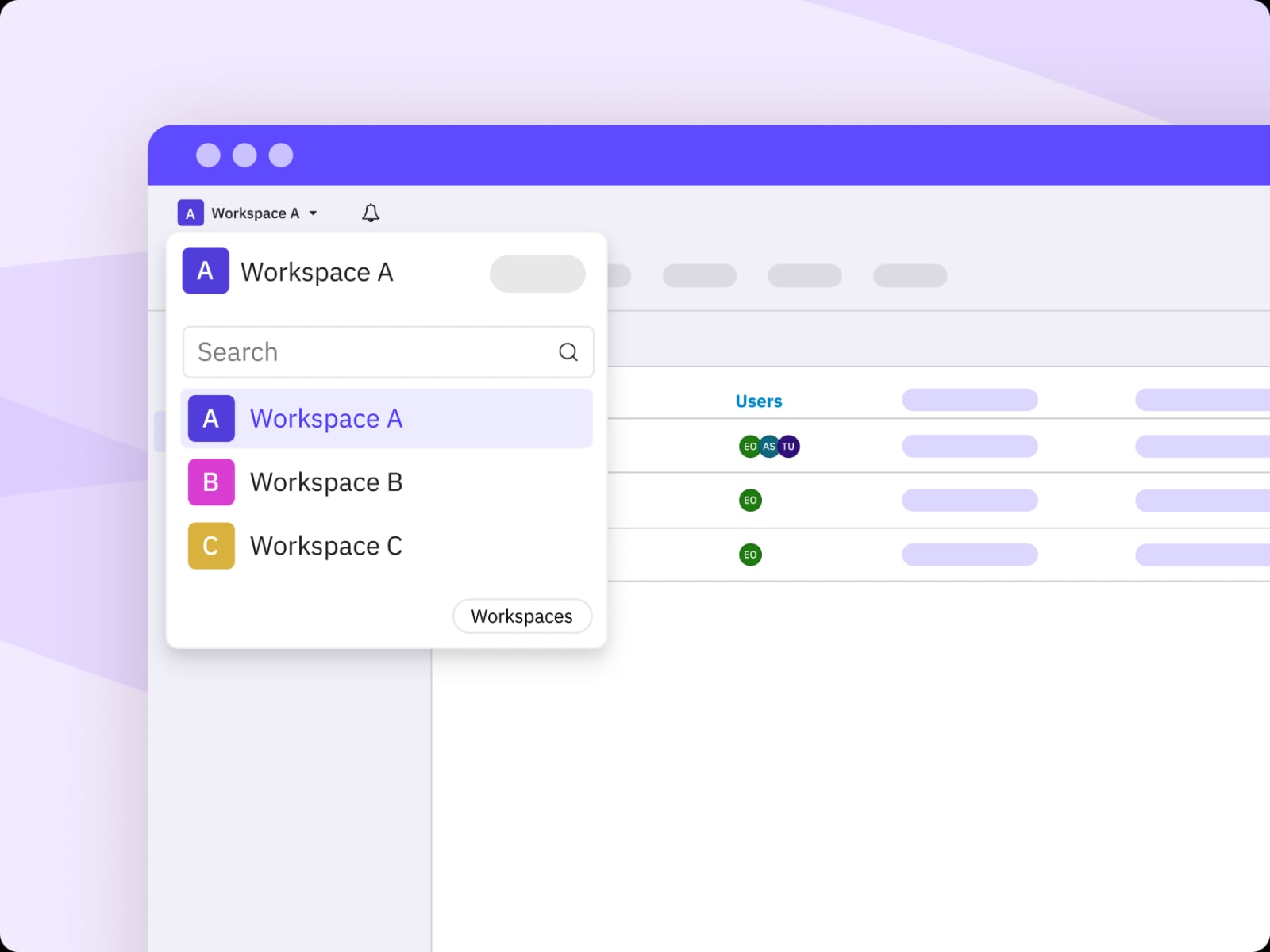
Sendible product interface.
Workspaces and client organization
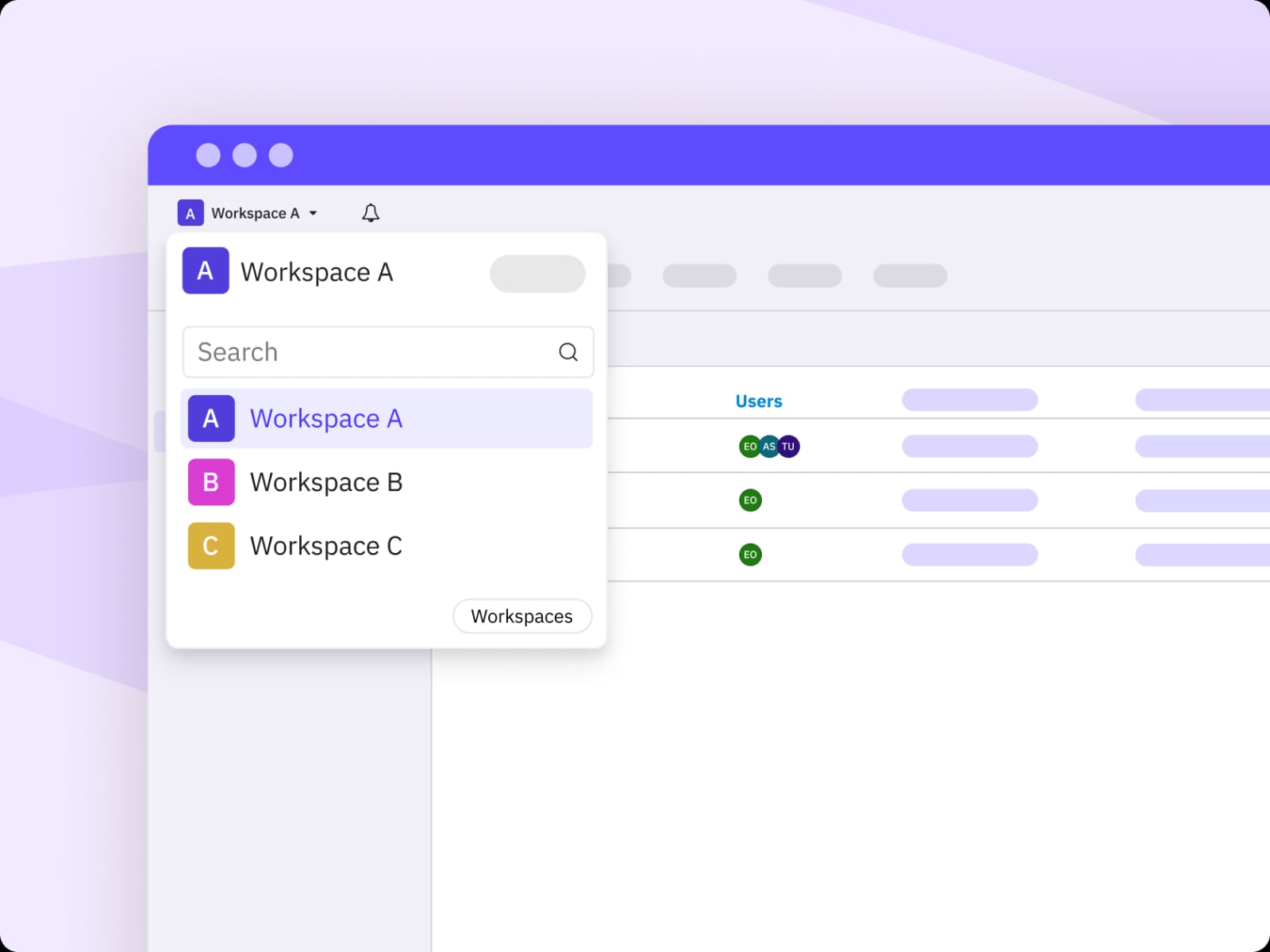
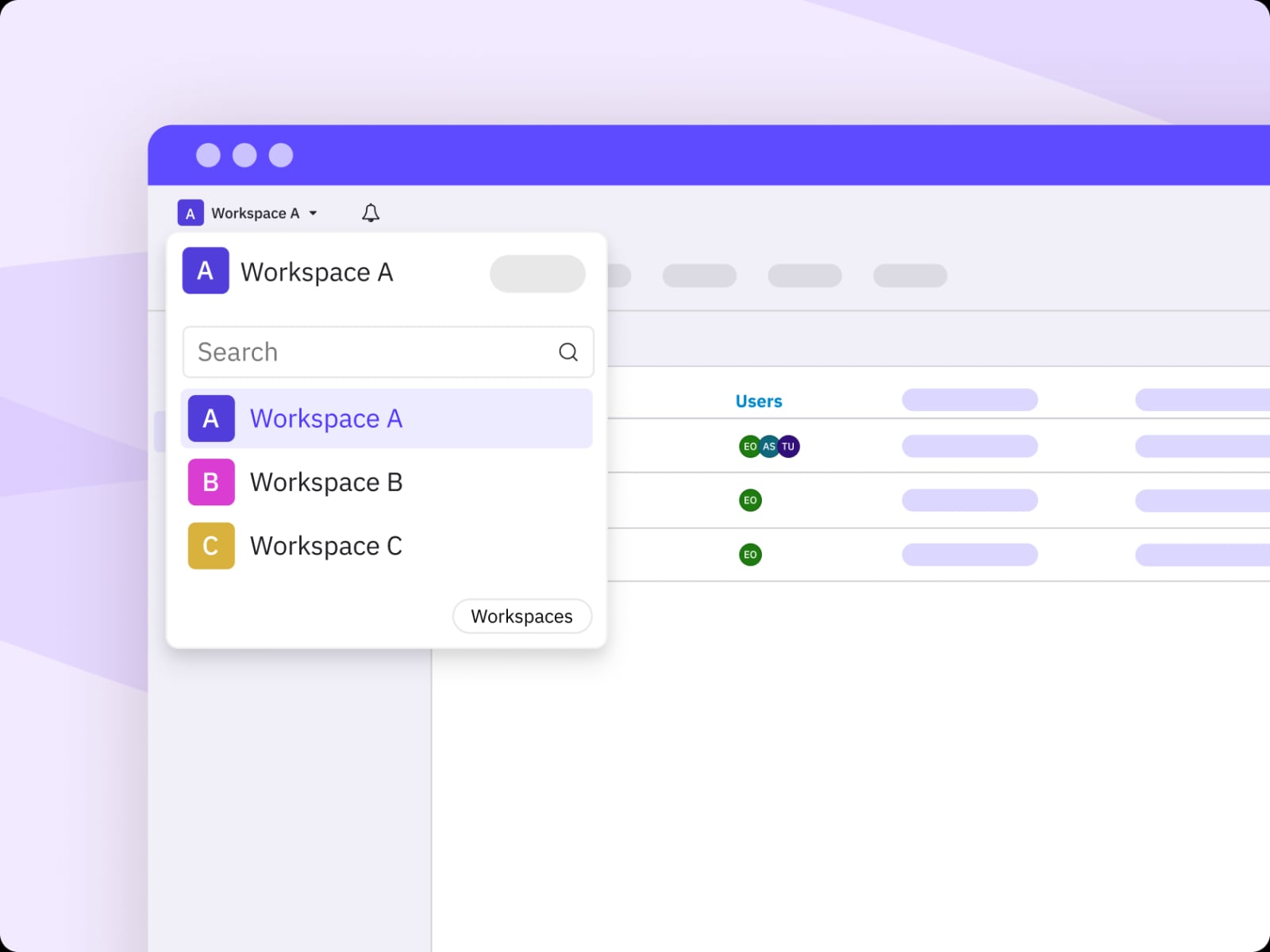
Workspaces let you group social profiles, users, and content by client or brand. This is the feature that most clearly separates Sendible from single-brand tools. Agencies can keep client assets separate while still giving team members the access they need.
Smart Compose Box and scheduling
The Smart Compose Box centralizes scheduling, so you can draft a post, choose profiles, set a time, and publish or queue it from one place. Smart Queues help maintain consistency by filling preset time slots, while Optimal Times suggests when to post based on audience activity.
Bulk Import and dynamic fields
Bulk Import is useful for planning months ahead. You can upload a spreadsheet of posts and use dynamic fields to customize copy for different profiles or locations. This is a practical feature for franchises, multi-location businesses, and agencies that produce similar content at scale.
Priority Inbox and engagement
The Priority Inbox gathers comments and messages so you can respond without switching between native apps. For teams managing many accounts, this reduces the risk of missed messages and speeds up community management.
Content Library and AI Assist
The Content Library stores reusable posts, hashtags, and assets. AI Assist can generate captions, which may help when you need a first draft quickly. Treat AI output as a starting point and edit for brand voice and accuracy.
Reporting and white-label options
Automated Reports and live report sharing are available on higher tiers. White-labeling is now a paid add-on rather than a standard plan feature, according to TechRadar's review. That matters if you plan to present reports under your own agency brand.
Pricing Signals and Plan Limits
Sendible offers a 14-day free trial and tiered pricing. Based on TechRadar's 2024/2025 data, monthly prices start around $29 for Creator (1 user, 6 profiles), $89 for Traction (4 users, 24 profiles), $199 for Scale (7 users, 49 profiles), $299 for Advanced (20 users, 100 profiles), and $750 for Enterprise (80 users, 400 profiles). Annual billing offers roughly a 15% saving.
Two pricing signals are worth noting. First, the Scale tier has seen a reduction in users and social profiles compared to earlier versions, so check current limits before committing. Second, white-labeling costs extra, which changes the total cost for agencies that rely on branded reporting.
Pricing can vary by region, and Sendible has portals for the US, UK, and European markets. Always confirm current rates and limits on Sendible's official site, because plan details change.
Setup and Onboarding
Sendible is generally described as easy to use, with an intuitive dashboard. Setup involves connecting social profiles, creating workspaces, inviting team members, and configuring approval flows if needed. Higher tiers include personalized onboarding or a demo, which can shorten the learning curve for agencies.
For teams migrating from another tool, plan time to rebuild queues, content libraries, and report templates. Bulk Import can speed up content migration if you already have a spreadsheet of posts.
Strengths and Limitations
Strengths
- Strong agency focus with workspaces, client permissions, and approval flows.
- AI tools available across plans, according to TechRadar.
- Scalable pricing tiers from freelancer to enterprise.
- Bulk Import, dynamic fields, and Content Library support high-volume publishing.
- Reporting and white-label options for client-facing work.
Limitations
- White-labeling is a paid add-on, not included in standard plans.
- No monthly billing discount; annual billing is where the savings are.
- Scale plan limits were reduced, so value depends on your profile and user count.
- Some advanced features, like cloud integrations, are reserved for top tiers.
- Best suited to teams managing multiple brands; solo users may find it heavier than needed.
How Sendible Compares to Alternatives
Sendible product interface.
If collaboration and approval workflows are your priority, Planable Review 2026: Features, Pricing & Who It Fits is worth a look because it is built around planning and approvals. If you want a calendar-first interface with similar agency appeal, Loomly Review 2026: Features, Pricing, and Who It Fits covers that approach.
For evergreen content recycling, RecurPost Review 2026: Features, Pricing & Who It Fits focuses on recurring queues and libraries. For a broader look at scheduling tools, SocialPilot Review 2026: Features, Pricing & Who It Fits provides another comparison point.
Sendible's differentiator is its workspace model and agency-oriented reporting. If you need to separate many clients cleanly, it competes well. If you need deep social listening, a dedicated tool may be better.
Who Should Choose Sendible
Sendible product interface.
Sendible fits agencies, multi-location businesses, and marketing teams that manage many profiles and need client separation, approvals, and reporting. It also suits teams that want AI assistance and bulk scheduling without switching between native apps.
It is less ideal for solo creators with one or two profiles, or for teams that need white-labeling without paying extra. If your main need is social listening or PR intelligence, consider a specialized platform instead.
Related reading
- Keyhole Review 2026: Social Listening Platform Tested - Evidence-based Keyhole review: real-time social listening, PR intelligence, historical data, pricing signals, setup, limitations, and who it fits in 2026.
Sources and further reading
- Read Customer Service Reviews of sendible.com - Trustpilot - Sendible is a social media management tool that helps agencies and companies boost their productivity on social media. Try it for free. Contact info. 82 Great ...
- Sendible review - Sendible makes light work of post scheduling tasks
- Sendible Reviews 2026: Details, Pricing, & Features - G2 - Users consistently praise the ease of use and time-saving features of Sendible, highlighting its ability to manage multiple social media accounts efficiently.
FAQ
Does Sendible offer a free trial? Yes, Sendible offers a 14-day free trial so you can test features before paying.
Is white-labeling included in Sendible plans? No. According to TechRadar, white-labeling is now a paid add-on rather than a standard plan feature.
How many social profiles can I manage on Sendible? It depends on the plan. Creator starts with 6 profiles, Traction with 24, Scale with 49, Advanced with 100, and Enterprise with 400, based on TechRadar's data. Check current limits because they can change.
Does Sendible have AI tools? Yes. AI Assist can generate captions, and TechRadar notes AI tools are available across plans.
What networks does Sendible support? Sendible supports major networks including Facebook, Instagram, TikTok, X (Twitter), LinkedIn, and Google Business Profile, among others.
Conclusion
Sendible is a solid choice for agencies and teams that need to manage many social profiles with clear client separation, scheduling, and reporting. Its strengths are workspaces, bulk publishing, and agency-friendly workflows. The main caveats are the paid white-label add-on, reduced Scale plan limits, and pricing that rewards annual billing. If those trade-offs align with your needs, Sendible is worth testing during its free trial.
For more comparisons, see our reviews of Planable, Loomly, and RecurPost.