SocialPilot Review 2026: Features, Pricing & Who It Fits

SocialPilot Review 2026: Features, Pricing, and Who It Fits
SocialPilot is a social media management platform built for agencies and brands that need to schedule, publish, and analyze content across multiple networks from one dashboard. It has earned a reputation for bulk scheduling, team collaboration, and white-label reporting—but it is not the right fit for every user. This review breaks down its strengths, limitations, pricing signals, and decision criteria so you can judge whether it belongs in your stack.
What SocialPilot Does Well

SocialPilot product interface.
SocialPilot's core strength is operational efficiency at scale. If you manage dozens of accounts, the platform's bulk import, calendar view, and approval workflows can save hours each week.
Publishing and Scheduling
- Bulk scheduling: Upload a CSV file to schedule up to 500 posts at once—available even on lower-tier plans. This is a standout feature for agencies onboarding new clients or running seasonal campaigns.
- AI Scheduler: Suggests optimal posting times based on audience activity, helping you avoid guesswork.
- Social media calendar: A unified view of scheduled content across networks. Note that some users report the calendar is list-based rather than a full visual grid, which can feel less intuitive than competitors like Loomly.
- First comment scheduling: You can queue the first comment alongside the main post, useful for hashtags or additional context.
Collaboration and Client Management
- Approval workflows: Route drafts to team members or clients for review before publishing.
- White-label solutions: Agencies can rebrand reports and dashboards, a key differentiator for client-facing work.
- Team roles: Assign permissions to managers, editors, and contributors.
Analytics and Reporting
SocialPilot provides metrics on follower growth, impressions, engagement, and publishing trends. Reports can be exported as PDFs. However, analytics are limited to business pages—personal LinkedIn profiles, for example, are not covered. This is a common limitation among social media tools, but it matters if you manage personal brands.
Review Management and Listings
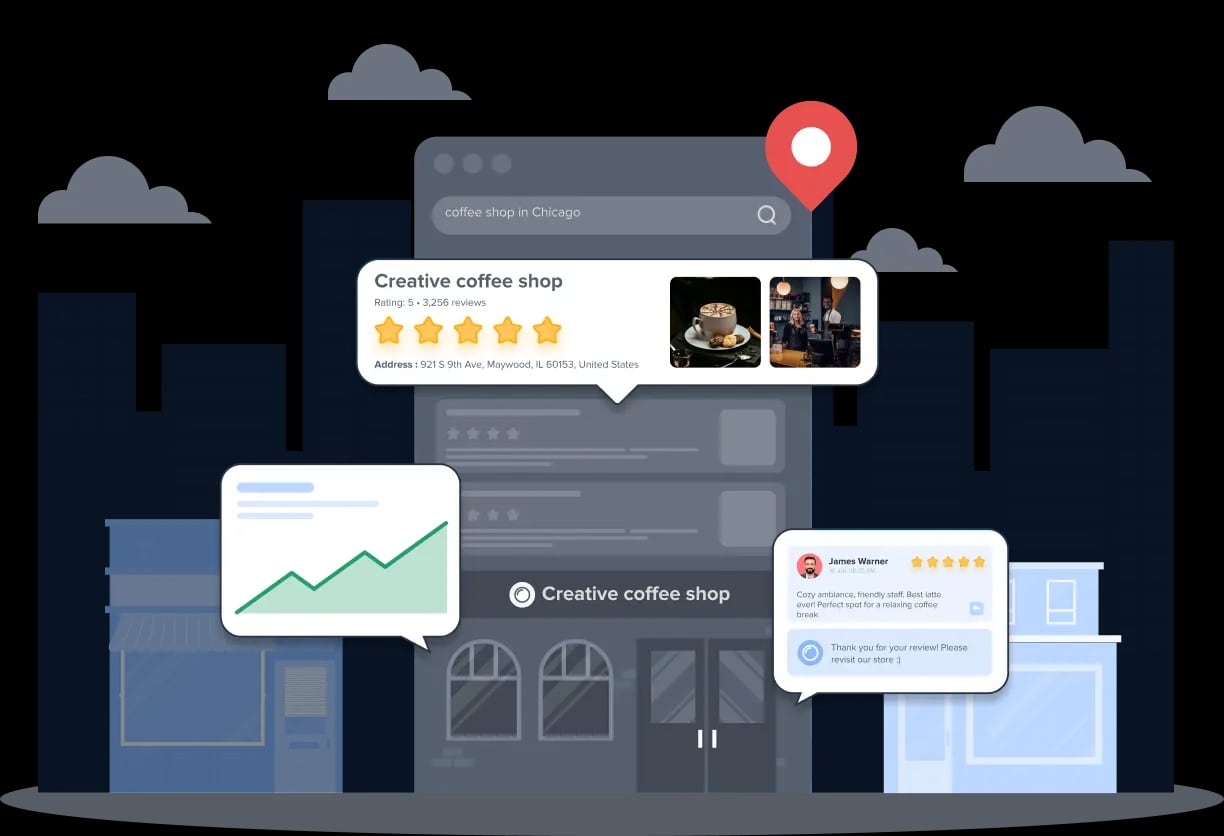
Beyond publishing, SocialPilot includes a Review Management module to drive, manage, and market customer reviews, plus tools to maintain consistent online listings across locations. This makes it more than a scheduler—it can support local SEO and reputation management.
MCP Server and AI Automation
SocialPilot offers an MCP Server that connects to AI assistants like Claude, allowing you to automate workflows such as drafting posts or pulling analytics via conversational commands. This is an emerging feature; early adopters may find it useful, but it is not yet a replacement for the core UI.
Limitations and Trade-Offs

SocialPilot product interface.
No tool is perfect. Here is where SocialPilot falls short based on user feedback and feature analysis.
- AI content quality: The AI assistant generates ideas and captions, but users report that outputs often lack strong hooks or calls to action. You will likely need to edit heavily, especially for LinkedIn.
- Analytics depth: While reports are clean, they are not as granular as dedicated analytics platforms. Historical data may be limited on lower plans.
- Visual calendar: The absence of a drag-and-drop visual calendar (as of early 2026) is a drawback for visual planners. If calendar-first planning is critical, consider Loomly or Planable.
- Occasional technical issues: Some Trustpilot and G2 reviewers mention errors that require manual publishing. This is not universal, but it is a risk for high-volume schedules.
- Platform-specific gaps: Instagram and LinkedIn analytics are solid for business pages, but personal profiles are excluded. If you are a creator focused on personal branding, tools like RecurPost or Publer may offer more flexibility.
Pricing Signals
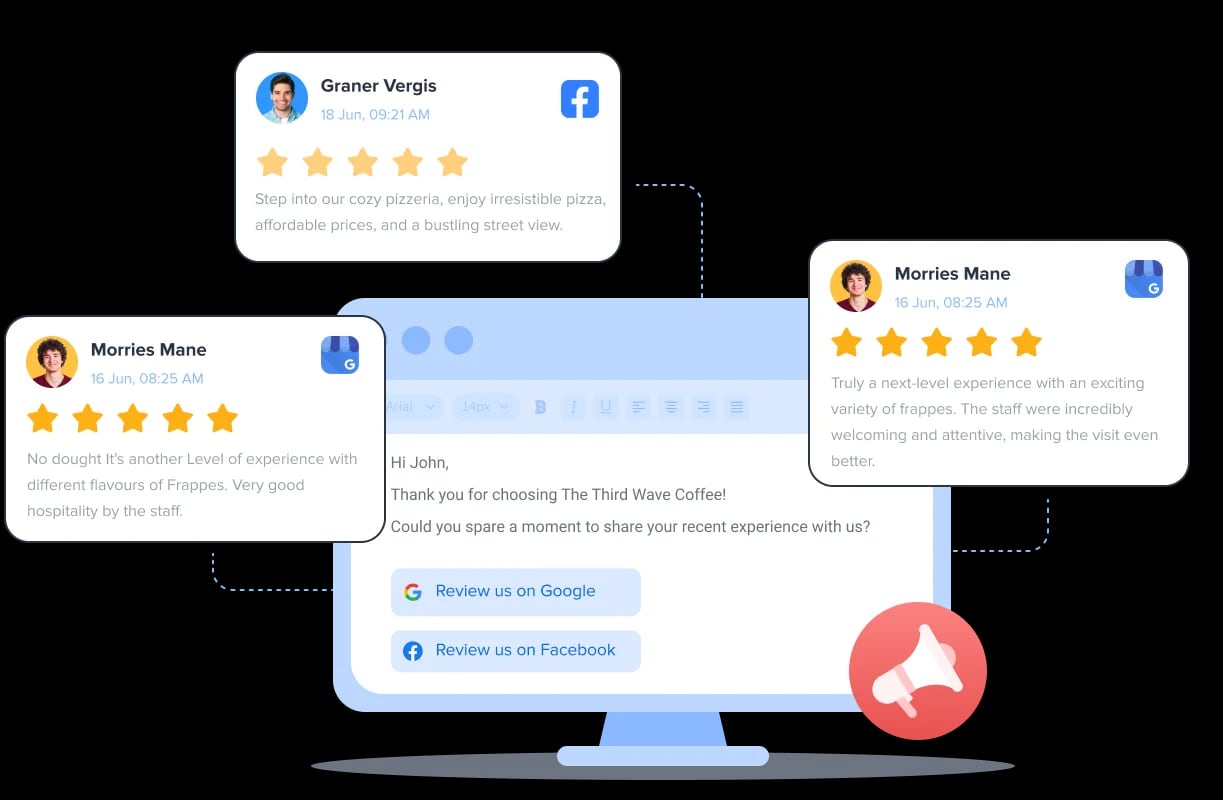
SocialPilot product interface.
SocialPilot offers a 14-day free trial with no credit card required. Paid plans scale by number of users and social accounts. Based on public pricing pages and third-party reviews:
- Professional: Around $25–$30/month for 1 user and up to 10 social accounts. Suitable for solopreneurs.
- Small Team: Around $50–$60/month for 3 users and up to 25 accounts.
- Agency: Around $100–$120/month for 5 users and up to 50 accounts.
- Agency+: Around $160–$180/month for 10 users and up to 100 accounts, with full feature access.
Prices vary by billing cycle and region. Annual billing typically offers a discount. For exact quotes, check the official SocialPilot pricing page.
Setup and Onboarding
Getting started is straightforward:
- Connect accounts: Link social profiles via OAuth. SocialPilot supports Facebook, Instagram, LinkedIn, Twitter/X, Pinterest, TikTok, and more.
- Set up teams: Invite users and assign roles.
- Import content: Use CSV bulk upload or connect via Canva, Dropbox, or URL shorteners.
- Configure approval workflows: Define who reviews and approves posts.
- Explore AI and MCP: If using AI assistants, connect the MCP Server for automation.
The learning curve is moderate. The dashboard is clean, but the list-based calendar may take adjustment if you are used to visual planners.
Who Should Choose SocialPilot?
SocialPilot product interface.
SocialPilot is a strong fit for:
- Agencies managing multiple clients who need bulk scheduling, white-label reports, and approval workflows.
- Brands with several locations that require consistent listings and review management.
- Teams that value operational efficiency over advanced content creation.
SocialPilot may not be ideal for:
- Individual creators focused on personal branding, due to limited personal profile analytics.
- Visual planners who need a drag-and-drop calendar.
- Users seeking deep, platform-specific analytics or advanced AI copywriting.
If you fall into the latter groups, explore alternatives like Keyhole for social listening, Fedica for audience analytics, or Wahlu for AI agent scheduling.
Decision Criteria
Before committing, ask:
- How many social accounts and team members do you manage?
- Do you need white-label client reports?
- Is bulk scheduling a priority?
- Do you rely on personal profiles for analytics?
- How important is a visual calendar?
SocialPilot excels when scale and collaboration matter more than content polish or visual planning.
Sources and further reading
- Read Customer Service Reviews of socialpilot.co - Trustpilot - SocialPilot - Social media marketing tool to increase brand awareness & traffic. We have tailored social media scheduling automation for marketers. Contact info.
- SocialPilot Review 2026: The Pros & Cons - What does SocialPilot offer and who is it for? Discover the most interesting features for content creators and find out if it's the right app for you.
- SocialPilot Reviews 2026: Details, Pricing, & Features - G2 - Users consistently praise the ease of use and centralized management of SocialPilot, which simplifies scheduling and posting across multiple social media ...
FAQ
Is SocialPilot good for agencies?
Yes. Its bulk scheduling, white-label reports, and approval workflows are designed for agency workflows. The Agency and Agency+ plans support multiple users and dozens of accounts.
Does SocialPilot offer a free trial?
Yes, a 14-day free trial is available with no credit card required.
Can SocialPilot schedule posts to Instagram and LinkedIn?
Yes, it supports Instagram, LinkedIn, Facebook, Twitter/X, Pinterest, TikTok, and other major networks. Analytics for LinkedIn are limited to company pages.
What are SocialPilot's main limitations?
AI content quality can be inconsistent, analytics lack depth for personal profiles, and the calendar is not fully visual. Some users report occasional technical errors.
How does SocialPilot compare to Loomly or Planable?
SocialPilot is stronger for bulk scheduling and white-label reporting. Loomly and Planable offer more visual, calendar-first planning and collaboration. See our Loomly review and Planable review for details.
Conclusion
SocialPilot is a capable, efficient social media management platform for agencies and brands that prioritize scale, collaboration, and client reporting. Its bulk scheduling, approval workflows, and white-label options are genuine strengths. However, limitations in AI content quality, analytics depth, and visual planning mean it is not a universal solution. Test it during the free trial with your own accounts and workflows to see if it fits your needs.
Sources: Trustpilot reviews, G2 reviews, and third-party feature analyses.