Loomly Review 2026: Features, Pricing, and Who It Fits

Loomly Review 2026: Features, Pricing, and Who It Fits
Loomly is a social media management platform built around a visual calendar, team collaboration, and a deliberately simple interface. It has become a common recommendation for marketing teams that want to plan weeks of content without wrestling with a complicated tool. But the platform has also changed its pricing structure and still carries some publishing limitations, so the decision is not as straightforward as the marketing pages suggest.
This review breaks down what Loomly actually does well, where it falls short, what the pricing signals look like, and which teams should seriously consider it.
What Loomly Is and Who It Is For
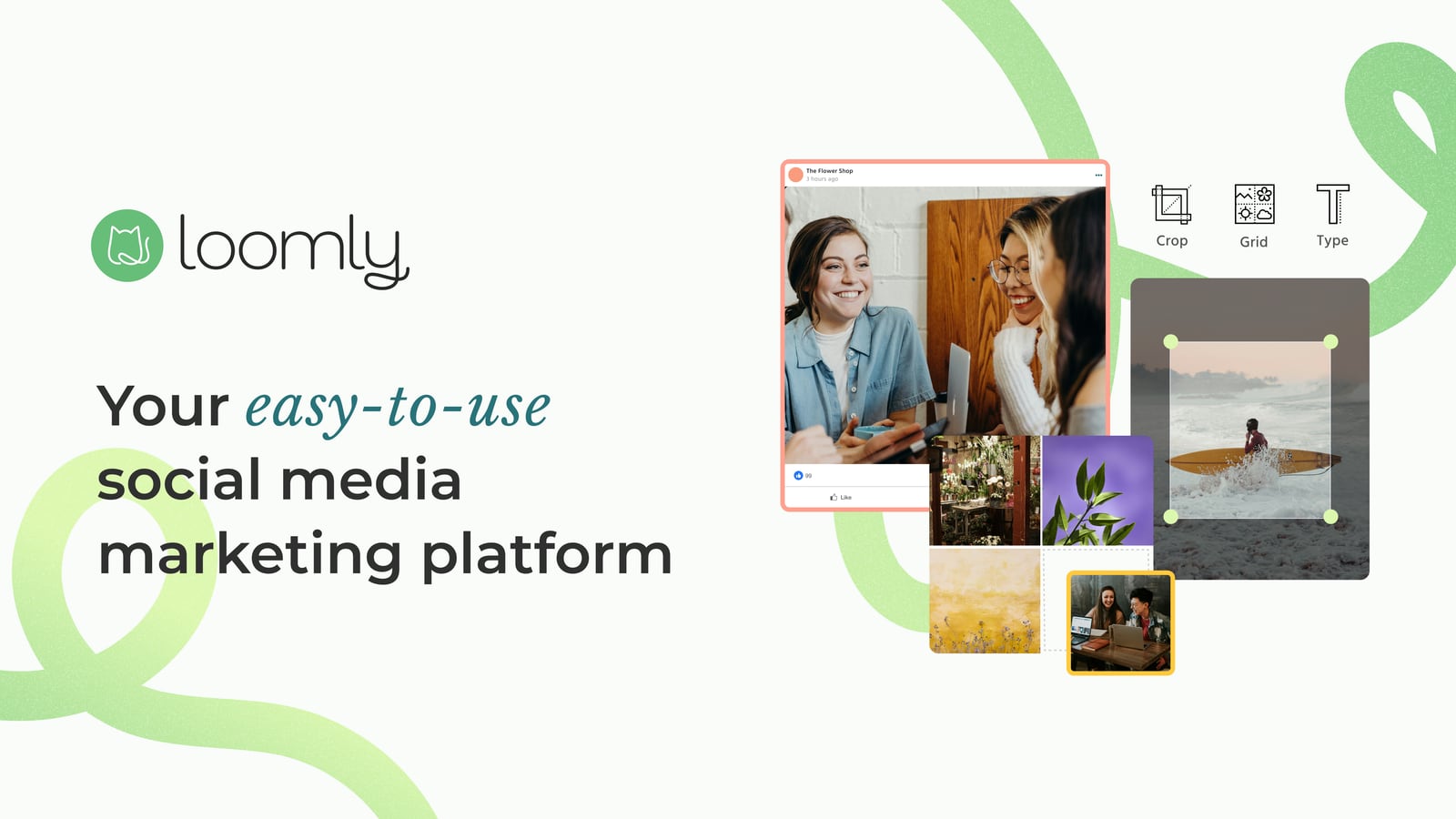
Loomly product interface.
Loomly is an all-in-one social media workflow tool. It covers content ideation, post creation, scheduling, publishing, collaboration, and analytics across major social networks. The company positions itself as a stress-free way to manage social media, with proof points around generating 30+ days of content in minutes and helping brands grow followers.
The platform is aimed at marketing teams of all sizes, from small businesses to large enterprises. In practice, Loomly fits best with:
- Small marketing teams that need a shared calendar and simple approvals without a steep learning curve.
- Agencies managing multiple clients that want separate calendars, role-based permissions, and client-friendly previews.
- Established teams with review processes where nothing should go live without sign-off.
- Brands that value planning over real-time engagement, since the calendar and workflow are the core strengths.
Loomly is less suited to solo creators who mainly want AI-generated content at a low price, or to power users who need deep analytics and advanced automation.
Core Features That Matter
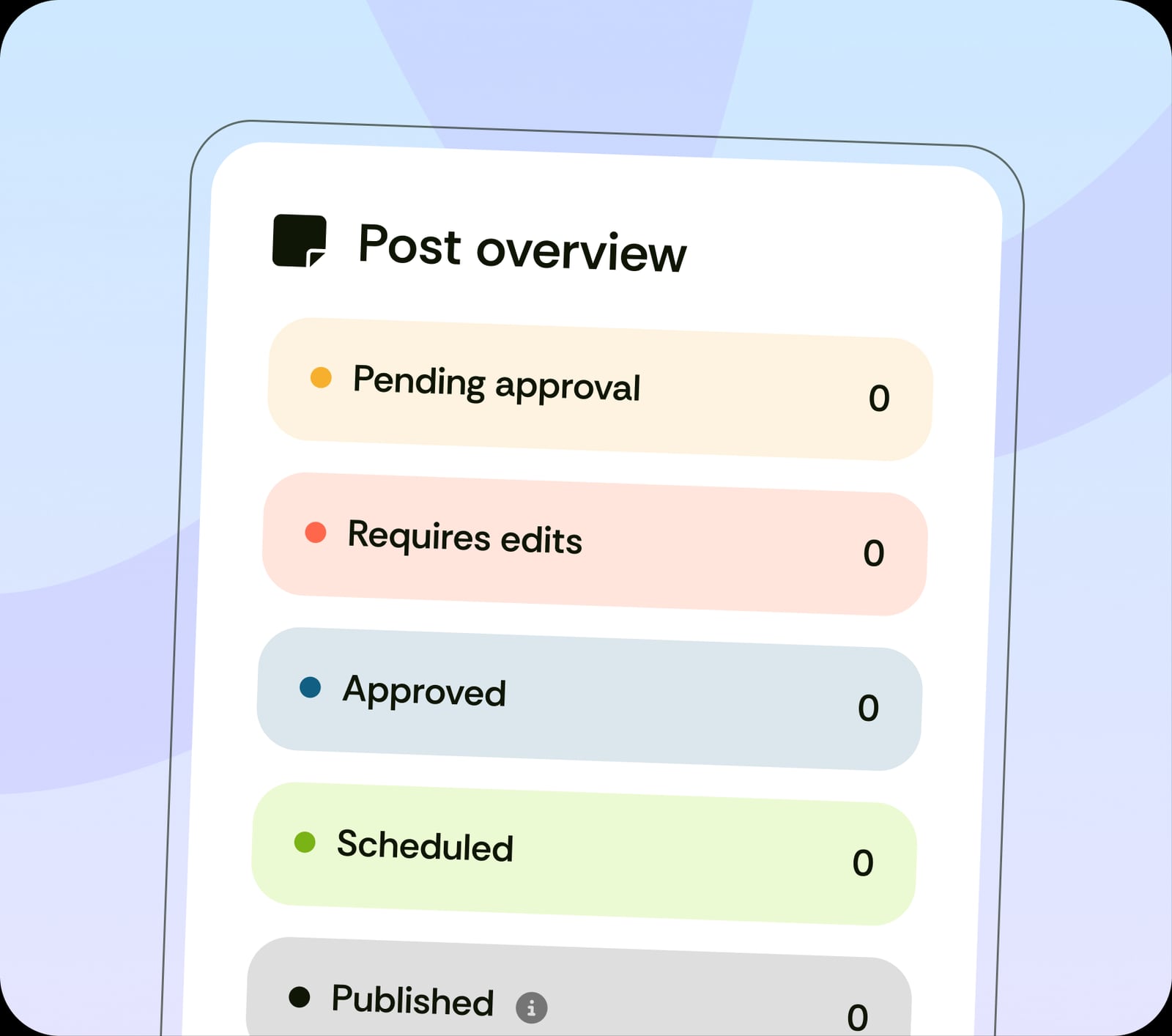
Loomly product interface.
Visual Calendar and Post Builder
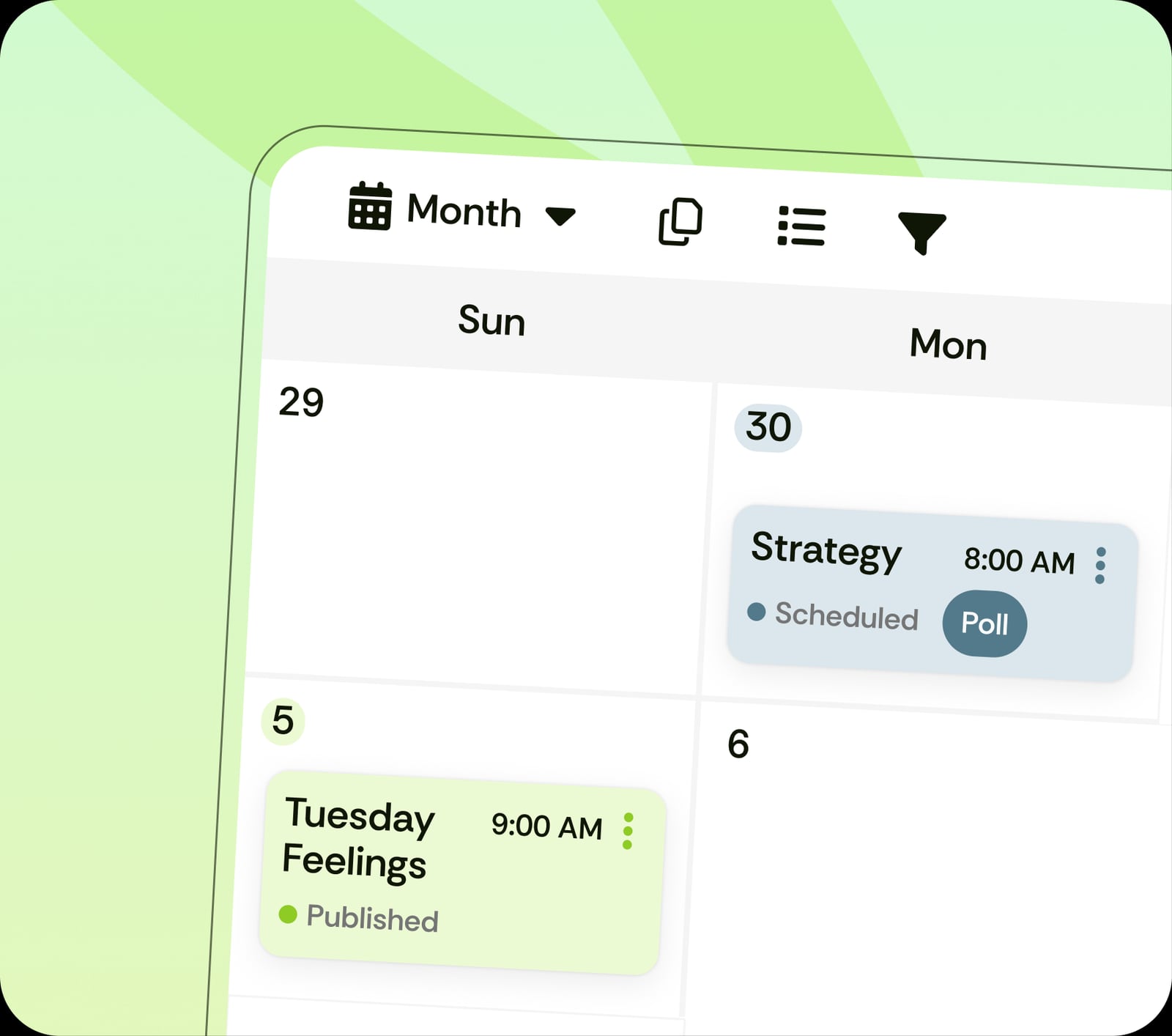
The calendar is Loomly's centerpiece. You can drag and drop posts, view multiple client calendars, and see what is scheduled across channels in one place. The rebuilt Post Builder shows realistic previews of how a post will look on each platform before it goes live, which reduces the guesswork that causes embarrassing formatting mistakes.
Collaboration and Approval Workflows
Approval workflows are available across plans, and role-based permissions let you control who can draft, approve, and publish. For agencies, this is often the deciding feature. You can customize workflows without needing technical setup, and the pipeline view makes it clear where each piece of content stands.
AI Assistant and Content Ideation
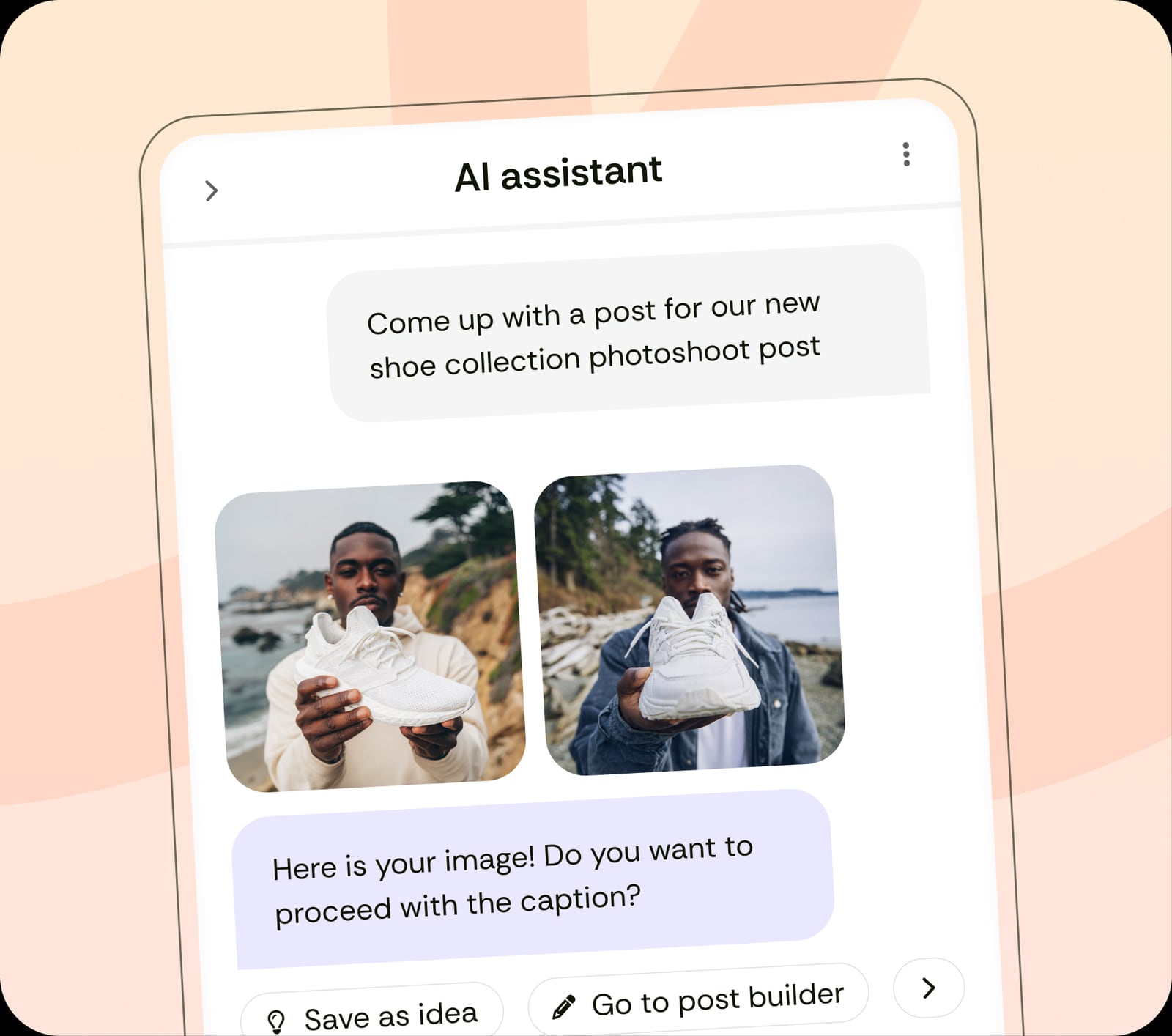
Loomly includes an AI assistant chat, post idea generation, caption assistance, and visual creation support. It also offers a large library of royalty-free images and daily post inspiration. These features are genuinely useful for teams that struggle with the blank-page problem, though they are not as advanced as dedicated AI writing tools.
Publishing and Channel Support
Loomly supports over 10 social channels, including Instagram, Facebook, LinkedIn, X, TikTok, YouTube, Pinterest, and Google Business Profile. Scheduling and direct publishing are available, but Instagram publishing has historically been inconsistent. Some posts still require manual publishing, which undermines the time savings the platform promises.
Analytics and Reporting
Loomly tracks post performance in real time, supports campaign labels, and lets higher tiers schedule and export reports. The analytics are functional for basic reporting, but they are not as deep as what dedicated analytics platforms or some competitors offer. Teams that need to prove ROI with granular audience insights may need a second tool.
Social Listening and Engagement
Loomly includes social listening and a unified inbox for comments and DMs on supported channels. This helps teams respond to audience activity without switching between native apps, though the depth of listening features varies by plan.
Pricing Signals: What You Should Know
Loomly's pricing has shifted over time, and the current structure is tiered by social accounts and users. The product context describes plans scaling from Starter (12 social accounts, 3 users) to Beyond (60+ accounts, unlimited users), with an Enterprise option for custom needs.
Older reviews referenced a Basic-to-Premium ladder with a significant jump between mid and top tiers. That pricing canyon frustrated growing businesses that were priced out of the middle. The current naming and limits suggest Loomly has tried to create a smoother path, but the pattern is worth watching: the cost rises sharply as you add accounts and users.
Practical pricing signals to evaluate:
- Per-account and per-user scaling means costs grow with your client list, not just your team size.
- Custom branding and advanced permissions tend to sit on higher tiers.
- Annual billing discounts are usually available, which changes the effective monthly cost.
- Enterprise pricing is custom, so larger teams should request a quote rather than assume the published tiers are the ceiling.
If you are comparing tools on price alone, it helps to model your account count and user count for the next 12 months, not just today. A platform that looks cheap at 10 accounts can become expensive at 40.
Setup and Onboarding
Loomly is generally easy to set up. You connect social accounts, choose a calendar structure, and invite team members. The interface is clean and the learning curve is short, which is one of the most consistent positives across user reviews.
A practical onboarding sequence:
- Connect your social channels and verify publishing permissions.
- Set up separate calendars if you manage multiple brands or clients.
- Define user roles and approval steps before inviting the full team.
- Import or create a content plan for the next 30 days.
- Test publishing on each channel, especially Instagram, to confirm what posts automatically and what needs manual action.
- Configure analytics labels and reporting schedules if your plan supports them.
The main setup risk is assuming every channel publishes the same way. Testing early prevents surprises later.
Strengths and Limitations
Strengths
- Intuitive, well-organized interface with a short learning curve.
- Strong visual calendar and multi-client organization.
- Approval workflows and role-based permissions available broadly.
- AI assistance for ideas, captions, and visuals.
- Broad channel support across major networks.
- Good integration ecosystem, including Canva and Google Drive.
Limitations
- Instagram publishing can still require manual steps.
- Analytics are basic compared to analytics-first competitors.
- Pricing scales quickly with accounts and users.
- Custom branding and some advanced features sit on higher tiers.
- Mobile apps are functional but not as polished as the desktop experience.
- AI features are helpful but not best-in-class.
How Loomly Compares to Alternatives
Loomly product interface.
Loomly's closest competitor in workflow-first social planning is Planable, which also emphasizes collaboration and approvals. Planable tends to appeal to teams that want a review-first experience, while Loomly leans more toward calendar-driven planning with broader publishing support.
If your priority is AI-assisted scheduling through tools like Claude or ChatGPT, RobinReach is a more specialized option. For teams that need a unified social API rather than a calendar interface, Ayrshare serves a different need entirely.
For agencies comparing scheduling platforms on channel coverage and pricing, Publer and Fedica are worth reviewing alongside Loomly. Each has a different balance of publishing breadth, analytics depth, and cost.
Who Should Choose Loomly
Loomly product interface.
Choose Loomly if:
- Your team lives in a shared content calendar and needs approvals.
- You manage multiple clients or brands and want separate calendars.
- You value ease of use over advanced analytics.
- You want AI assistance for ideation without switching tools.
- Your budget can scale with accounts and users.
Look elsewhere if:
- You need deep analytics and ROI reporting as a primary feature.
- Instagram direct publishing is critical and must be fully automated.
- You are a solo creator optimizing for the lowest possible cost.
- You need advanced automation or API-level control.
Related reading
- Wahlu Review 2026: AI Social Scheduling for Agents - Evidence-based Wahlu review: AI agent scheduling, MCP/API access, pricing signals, supported networks, setup, limitations, and who it fits in 2026.
- Zoho Assist Review 2026: Features, Pricing, and Who It Fits - Evidence-based Zoho Assist review covering features, pricing, setup, performance, limitations, and ideal users for IT teams, help desks, and MSPs.
Sources and further reading
- Read Customer Service Reviews of www.loomly.com - Trustpilot - Loomly is an easy platform to navigate and with helpful tips aids in a area I am not proficient in. I am able to schedule content across various platforms with ...
- Loomly review - A social media management service that aims to reduce stress
- My Honest Take on Loomly: Is This Social Media Tool Worth Your Money in 2024? - Loomly review reveals if its features truly boost established teams' productivity and value. Discover if it fits your needs today!
FAQ
Is Loomly good for small businesses?
Yes, if the team needs a shared calendar and simple approvals. The Starter tier supports 12 social accounts and 3 users, which fits many small businesses. Solo creators may find lighter tools more cost-effective.
Does Loomly publish directly to Instagram?
Loomly supports Instagram, but publishing has historically been inconsistent. Some posts may still require manual publishing, so test your specific content types before committing.
How much does Loomly cost?
Pricing scales from Starter to Beyond, with an Enterprise option. Costs rise with social accounts and users, and annual billing usually reduces the effective monthly price. Request current quotes directly, since pricing has changed over time.
Does Loomly have AI features?
Yes. Loomly includes an AI assistant chat, post idea generation, caption help, and visual creation support. These are useful for ideation but not as advanced as dedicated AI content tools.
Is Loomly better than Planable?
It depends on your workflow. Loomly is stronger for calendar-driven planning and broad publishing. Planable is often preferred by teams that want a review-first collaboration experience. See our Planable review for a direct comparison.
Conclusion
Loomly earns its reputation as one of the easier social media management platforms to adopt. The visual calendar, approval workflows, and clean interface make it a strong fit for teams that plan content in advance and need multiple people involved in the process. The AI assistant and broad channel support add practical value without overcomplicating the product.
The trade-offs are real: analytics are not deep, Instagram publishing can be inconsistent, and pricing scales quickly as you add accounts and users. Loomly is a good choice when collaboration and planning matter more than data depth or full automation. If those priorities are reversed, compare alternatives like Planable or Publer before deciding.
For teams that want a stress-free calendar and clear approval flow, Loomly remains a credible option in 2026. For teams that need analytics-first reporting or fully automated publishing, it is worth testing carefully before you commit.