Constant Contact Review 2026: Features, Pricing & Who It Fits
Constant Contact Review 2026: Features, Pricing & Who It Fits
Constant Contact has been a fixture in small business email marketing for years. It is now positioned as an all-in-one digital marketing platform with email, SMS, social media management, and automation. This review examines what it does well, where it falls short, and whether it fits your business in 2026.
What Constant Contact is and who it is for
Constant Contact product interface.
Constant Contact is a digital marketing platform designed primarily for small businesses and nonprofits. Its core strength is email marketing, but the platform also includes social media scheduling, SMS campaigns, landing pages, and marketing automation.
The company claims the #1 position in its category and reports a large user base. It has received G2 awards and Great Place to Work certification. Those signals suggest a mature product with broad adoption, though they do not guarantee it is the best fit for every workflow.
Ideal users include:
- Small business owners who want one tool for email, social, and SMS without a steep learning curve.
- Nonprofits running events, donation drives, and volunteer communications.
- Local service businesses that need simple automation for welcome emails, reminders, and follow-ups.
- Teams that manage multiple brands or client accounts and need multi-account support.
If you need deep ecommerce automation, complex segmentation, or advanced A/B testing across many variables, Constant Contact may feel limited. If you want a straightforward platform that covers the basics well, it is a strong candidate.
Core features
Constant Contact product interface.
Email marketing and drag-and-drop editor
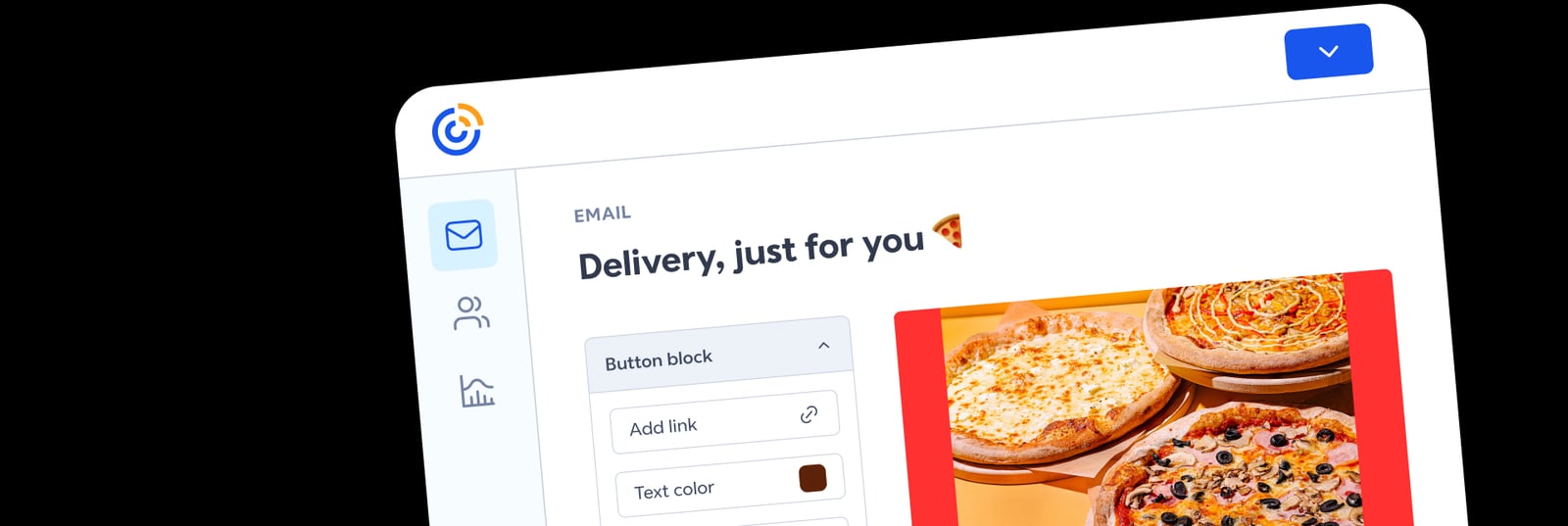
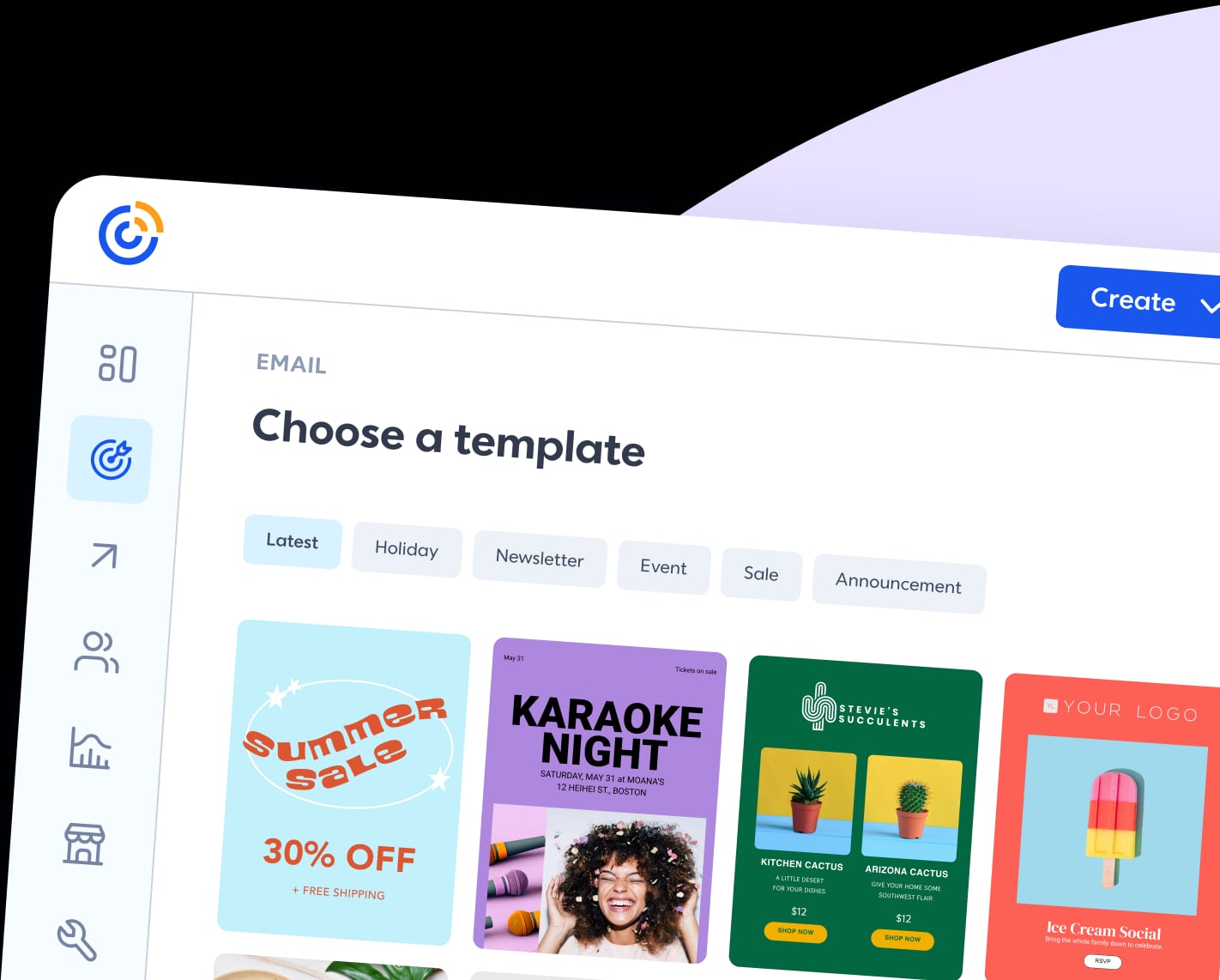
Constant Contact's email builder uses a drag-and-drop interface with a library of templates. You can upload images from your device, pull from a stock library, or design assets in Canva and import them. The editor supports standard content blocks, and you can send test emails to preview how messages render in an inbox.
The platform also includes event and RSVP blocks, which are useful for nonprofits and businesses that run workshops or local events.
SMS marketing
SMS is included as a channel for time-sensitive messages such as appointment reminders, flash sales, or event updates. SMS requires explicit subscriber consent and is regulated, so you need to manage opt-ins carefully. Constant Contact provides tools for this, but it is not a dedicated SMS platform with the depth of a specialist provider.
Social media management
You can schedule and publish social posts from Constant Contact, which is convenient if you want to coordinate email and social campaigns in one place. The social features are adequate for small teams, but they are not as advanced as dedicated social media management tools. If social scheduling is your primary need, compare options like Sendible Review 2026: Features, Pricing & Who It Fits or SocialPilot Review 2026: Features, Pricing & Who It Fits.
Marketing automation
Automation is available, but the depth varies by plan. You can build automated welcome sequences, birthday emails, and simple customer journeys. More advanced automation, such as multi-branch workflows and behavioral triggers, may require higher tiers. If automation is central to your strategy, test the specific workflows you need before committing.
Reporting and segmentation
Constant Contact provides reporting on opens, clicks, and revenue attribution for email campaigns. Segmentation is available, but it is less granular than some competitors. You can segment by engagement, location, and other attributes, but complex nested conditions may be limited.
Integrations
Constant Contact integrates with over 300 third-party apps, including Xero, Canva, and ChatGPT. These integrations help streamline workflows, such as syncing contacts from a CRM or designing assets in Canva. The breadth is a strength, though the depth of each integration varies.
Pricing signals
Constant Contact uses tiered pricing with four main plans: Lite, Standard, Premium, and Teams. Annual billing offers discounts. The exact price depends on your contact list size and the plan you choose.
- Lite: Basic email marketing, limited automation, and core templates. Suitable for very small lists and simple campaigns.
- Standard: Adds more automation, A/B testing, and advanced reporting. This is the most common choice for growing small businesses.
- Premium: Includes advanced automation, dynamic content, and priority support. Best for businesses that rely heavily on segmentation and journeys.
- Teams: Designed for multiple users or client accounts, with multi-account management and collaboration features.
A common criticism is that costs rise quickly as your contact list grows and as you need features like advanced automation. Some reviewers note that the entry price is attractive, but the total cost can exceed alternatives at scale. If budget is tight, model your costs at your expected list size and feature needs before choosing a plan.
Setup and onboarding
Onboarding is one of Constant Contact's strengths. The signup process asks about your goals—attract customers, promote a product, run events, or collect donations—and tailors the experience accordingly. It also asks which features you want to use and whether you have a website, email list, social presence, or CRM.
A notable touch: the platform can pull brand colors from your website to create marketing asset templates. For beginners, this reduces design friction.
One technical step to plan for is domain authentication. Constant Contact requires you to manually add DNS records to your domain settings to send from your own domain. This improves deliverability and reduces spam placement. It is worth doing, but it is not automatic. If you are not comfortable with DNS, ask your web host or IT support for help.
The unsubscribe process is clear and includes an option for subscribers to comment on why they unsubscribed, which can provide useful feedback.
Strengths and limitations
Strengths
- Beginner-friendly interface and onboarding.
- All-in-one coverage of email, SMS, social, and automation.
- Large template library and drag-and-drop editor.
- Over 300 integrations.
- Multi-account management for teams and agencies.
- Live support and educational resources.
Limitations
- Pricing can escalate with list growth and advanced features.
- Automation and segmentation are less deep than some competitors.
- Some templates feel dated compared to newer platforms.
- The HTML editor can be clunky for advanced design control.
- Social media features are basic compared to dedicated tools.
- Domain authentication requires manual DNS setup.
How Constant Contact compares to alternatives
Constant Contact product interface.
If you are evaluating Constant Contact, you are likely also considering Mailchimp, Brevo, or a dedicated social media tool. The right choice depends on your primary channel.
- Email-first small business: Constant Contact is a strong fit if you want ease of use and an all-in-one suite. Compare pricing at your list size against Mailchimp and Brevo.
- Social-first brand: A dedicated social scheduler may be better. See Loomly Review 2026: Features, Pricing, and Who It Fits for a calendar-first workflow, or RecurPost Review 2026: Features, Pricing & Who It Fits for evergreen content libraries.
- Agency or multi-client: Constant Contact Teams supports multi-account management, but agencies with complex approval workflows may prefer a dedicated social tool. Ordinal Review 2026: Features, Pricing & Who It Fits covers approval workflows for LinkedIn and X at scale.
- Social listening: Constant Contact does not offer social listening. If that is a requirement, see Keyhole Review 2026: Social Listening Platform Tested.
Decision criteria: is Constant Contact right for you?
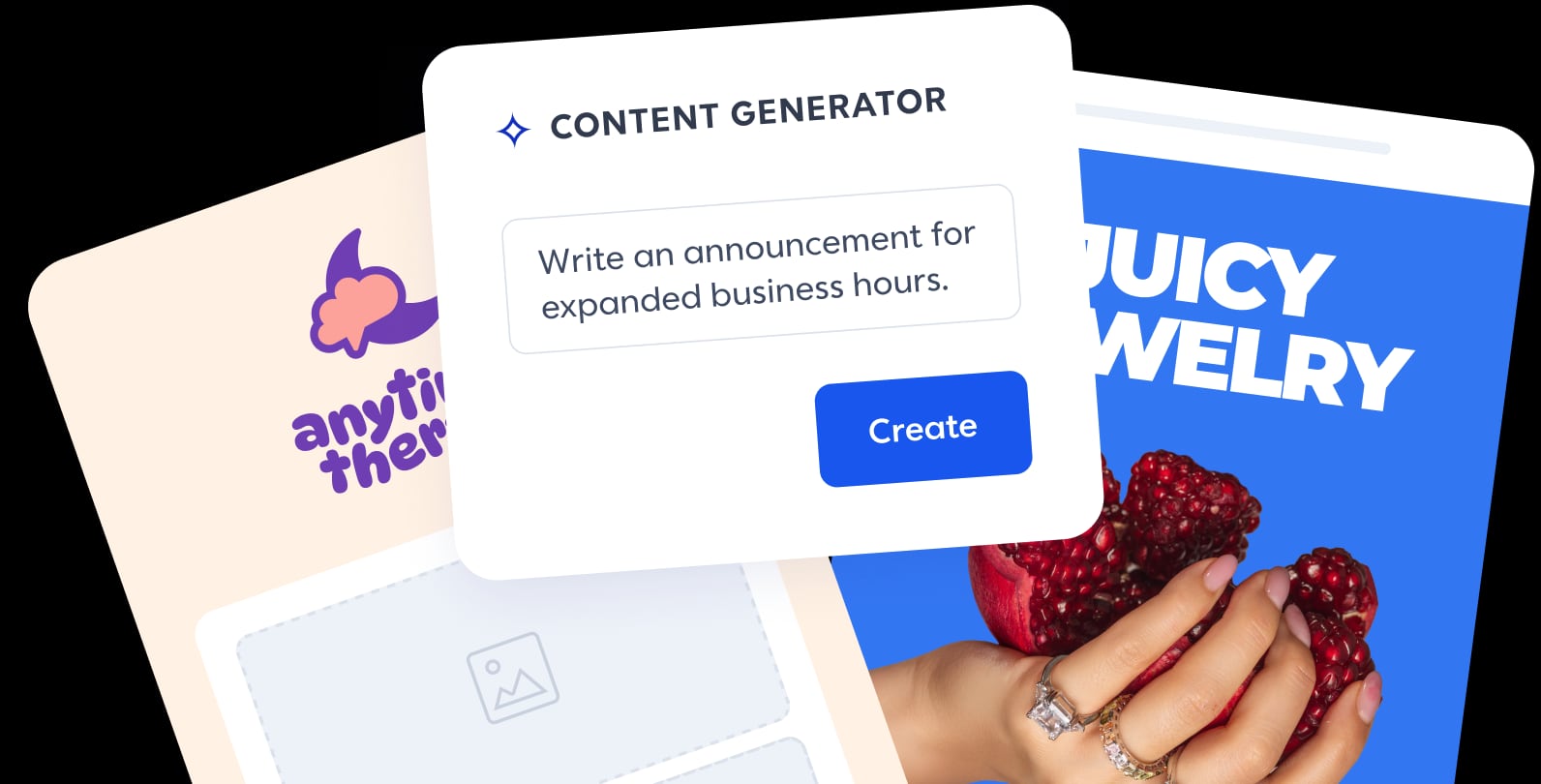
Constant Contact product interface.
Choose Constant Contact if:
- You want one platform for email, SMS, and basic social scheduling.
- You value a short learning curve and guided onboarding.
- You run events, donations, or local promotions that benefit from RSVP and event blocks.
- You need multi-account management for a small team.
- You are comfortable with tiered pricing that scales with your list.
Look elsewhere if:
- You need advanced automation with complex branching and behavioral triggers.
- You require deep ecommerce integrations and revenue attribution.
- Social media management is your primary channel and you need advanced scheduling, approvals, or listening.
- You need granular segmentation with nested conditions.
- You want transparent, flat pricing that does not change much as you grow.
Sources and further reading
- Constant Contact Review (2026): Some Pros, Many Cons! - Aug 28, 2026 ... Constant Contact is marketed towards small-to-medium businesses, but their prices aren't the most affordable, especially when you consider that ...
- Constant Contact Reviews | Read Customer Service ... - Trustpilot - Look like an email pro — even if you're a beginner. Our email marketing tools help your messages stand out in the inbox and connect your audience to your ...
- Constant Contact Review: Features, Pricing, Our Take - Looking for an honest Constant Contact review? We delve into its ease of use, limited automations, pricing transparency, and overall value. See our verdict.
FAQ
Is Constant Contact good for beginners? Yes. Onboarding is guided, the editor is drag-and-drop, and support resources are plentiful. It is one of the easier platforms to start with.
Does Constant Contact have a free plan? Constant Contact typically offers a free trial rather than a permanent free plan. Check the current offer on their site, as terms change.
Can I use Constant Contact for SMS? Yes, SMS is available. You need to manage subscriber consent and comply with regulations. It is suitable for reminders and time-sensitive messages.
How does Constant Contact pricing work? Pricing is tiered by plan (Lite, Standard, Premium, Teams) and contact list size. Annual billing offers discounts. Costs rise as your list grows and as you need advanced features.
Is Constant Contact better than Mailchimp? It depends on your needs. Constant Contact is often praised for ease of use and onboarding. Mailchimp may offer more advanced automation and ecommerce features. Compare at your specific list size and feature requirements.
Does Constant Contact require domain authentication? To send from your own domain, yes. You need to add DNS records manually. This improves deliverability.
Conclusion
Constant Contact remains a solid choice for small businesses and nonprofits that want an easy-to-use, all-in-one marketing platform. Its strengths are onboarding, email creation, and broad channel coverage. Its limitations are pricing escalation, automation depth, and basic social features.
Before committing, model your costs at your expected list size, test the automation workflows you need, and confirm that the social and SMS features meet your requirements. If they do, Constant Contact can be a reliable workhorse. If you need deeper automation or dedicated social management, compare the alternatives linked above before deciding.