Socialync Review 2026: Fast Cross-Posting for Creators
Socialync Review 2026: Fast Cross-Posting for Creators and Small Teams
Socialync is a web-based social media scheduler built around one promise: upload a post once and publish it everywhere. It supports Instagram, TikTok, YouTube, Facebook, X, LinkedIn, Threads, and Bluesky, with OAuth connections, a content calendar, cross-platform analytics, a comment inbox, an AI caption assistant, and mobile apps for iPhone and Android. This review examines what the product actually does well, where it falls short, and which creators or small teams should consider it.
What Socialync Is and Who It Is For
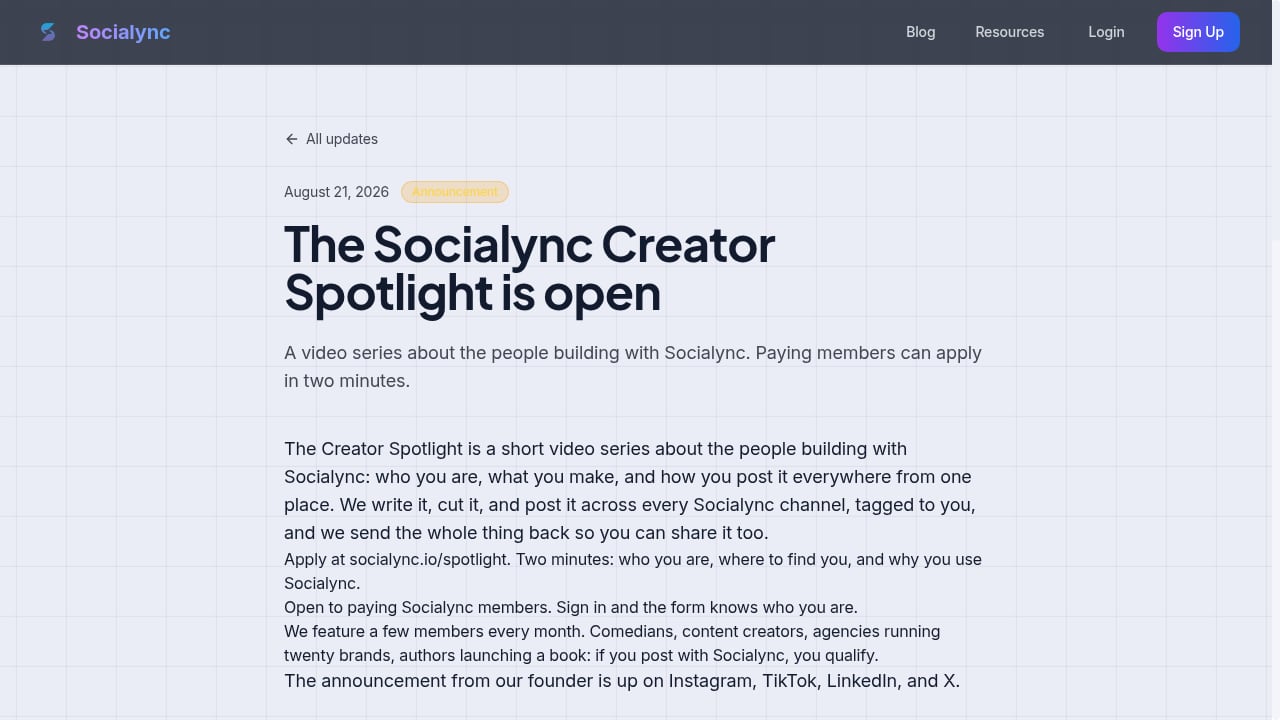
First viewport screenshot of The Socialync Creator Spotlight is open.
Socialync is a SaaS tool developed by Jack Vitick and positioned as the fastest social media scheduler for creators. The core workflow is simple: compose a post in a universal composer, let the platform optimize media and copy per network, then schedule or publish to all connected accounts at once.
The product fits three main user types:
- Solo creators who publish the same video or image across TikTok, Instagram Reels, YouTube Shorts, and X without rebuilding each post manually.
- Founders and small teams that need a shared calendar, a comment inbox, and rolled-up analytics without paying enterprise social suite prices.
- API-first builders who want to post from Claude, MCP, or the Socialync API rather than a dashboard.
It is less suited to large agencies that need deep approval workflows, granular role permissions, or extensive white-label reporting.
Core Features Tested
First viewport screenshot of What Does Stories Mean? Definition & Examples.
Universal Composer and Cross-Posting
The universal composer is the center of the product. You write one caption, attach media, and Socialync adapts the output per platform. The platform holds Meta Advanced Access for Instagram and Facebook, approval for the TikTok Content Posting API, and integration with the YouTube Data API v3. Those approvals matter because they allow direct publishing rather than reminder-based posting.
Scheduling and Content Calendar
The calendar view supports time zones, posting queues, and suggested optimal times. For creators running a consistent cadence, the queue is the feature that saves the most time: you fill slots once and the tool publishes on schedule.
Comment Inbox and Automatic First Comment
The comment inbox covers six platforms, which is useful for creators who get most engagement on Instagram and TikTok but still need to catch replies on X or LinkedIn. The automatic first comment feature is a practical addition for hashtag drops or link placement without cluttering the main caption.
AI Caption Assistant
The AI caption assistant generates draft copy. It is helpful for repurposing a YouTube description into a shorter X post, but it still needs human editing for brand voice and platform nuance.
Analytics
Analytics roll up across platforms and highlight top posts. This is enough for a creator tracking which format performs best, but it is not a full business intelligence layer. Teams that need attribution to revenue or multi-touch reporting will need to export data.
Posting from Claude, MCP, and API
Socialync supports posting from Claude, MCP, and its own API. This is a differentiator for developers and AI-native workflows. If your content pipeline already lives in an AI assistant, this removes a manual copy-paste step.
Pricing Signals
Socialync pricing starts at $20 per month for five connected social accounts, or $15 per month when billed yearly. A 7-day free trial is available on monthly plans, and there is a free plan. Third-party software directories list a starting price as low as $10 per month, which may reflect an older tier or a different billing configuration, so verify current pricing on the official site before committing.
The value calculation is straightforward: if you manage five accounts and currently pay for a scheduler plus a separate analytics tool, Socialync can consolidate both. If you only post to one or two networks, the free plan or a lighter tool may be enough.
Setup and Onboarding
Setup uses OAuth login for each network, with automatic token refresh. In practice, connecting five accounts takes a few minutes per platform, and the main friction points are:
- Instagram and Facebook require a professional account and correct Meta permissions.
- TikTok requires approval through the Content Posting API, which Socialync already holds.
- YouTube uses the Data API v3, so channel permissions must be granted correctly.
The web app is the primary interface, with iPhone and Android apps for mobile posting and approvals. There is no desktop app, which is fine for most creators but worth noting for teams that prefer native software.
Strengths
- Genuine cross-posting depth across nine networks, including Threads and Bluesky, which many schedulers still treat as secondary.
- API and MCP access for AI-native workflows, a rare feature at this price point.
- Unlimited posts on paid plans, which removes the volume anxiety common in per-post pricing models.
- Comment inbox on six platforms, reducing app-switching for engagement.
- Mobile apps for posting and reviewing on the go.
Limitations
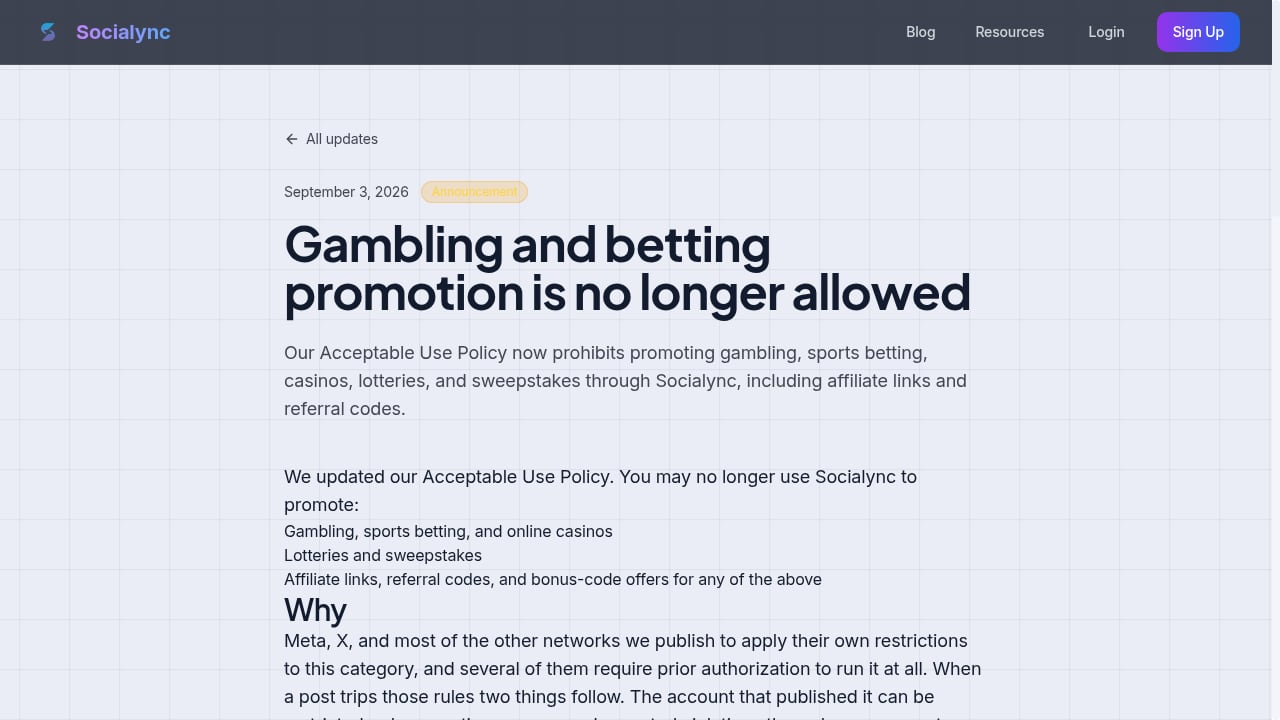
First viewport screenshot of Gambling and betting promotion is no longer allowed.
- No gambling, sports betting, casinos, lotteries, or sweepstakes promotion, including affiliate links and referral codes. This is a hard restriction in the acceptable use policy and rules out entire verticals.
- Analytics are directional, not deep. Top posts and cross-platform rollups are useful, but there is no revenue attribution or advanced cohort analysis.
- Limited enterprise governance. Large teams needing approval chains, audit logs, or granular permissions should look at heavier platforms.
- Pricing signals vary by source. The official $20/$15 tiers and third-party listings do not fully match, so confirm before purchase.
- Young company. Socialync was founded in 2025, so the track record is shorter than established competitors.
Socialync vs Alternatives
If you want a broader social management suite with mature reporting, compare Socialync with Hootsuite or Vista Social. If your focus is creator-style scheduling with AI writing, Typefully is a closer comparison for X, LinkedIn, Bluesky, and Threads. If you need real-device distribution for multi-account posting, Conbersa takes a different approach.
The decision rule is simple:
- Choose Socialync if you publish the same content to many networks, want API/MCP access, and value unlimited posts at a low monthly price.
- Choose a heavier suite if you need approvals, deep reporting, or enterprise controls.
- Choose a single-platform tool if you only post to one network and do not need cross-posting.
Community Programs and Extras
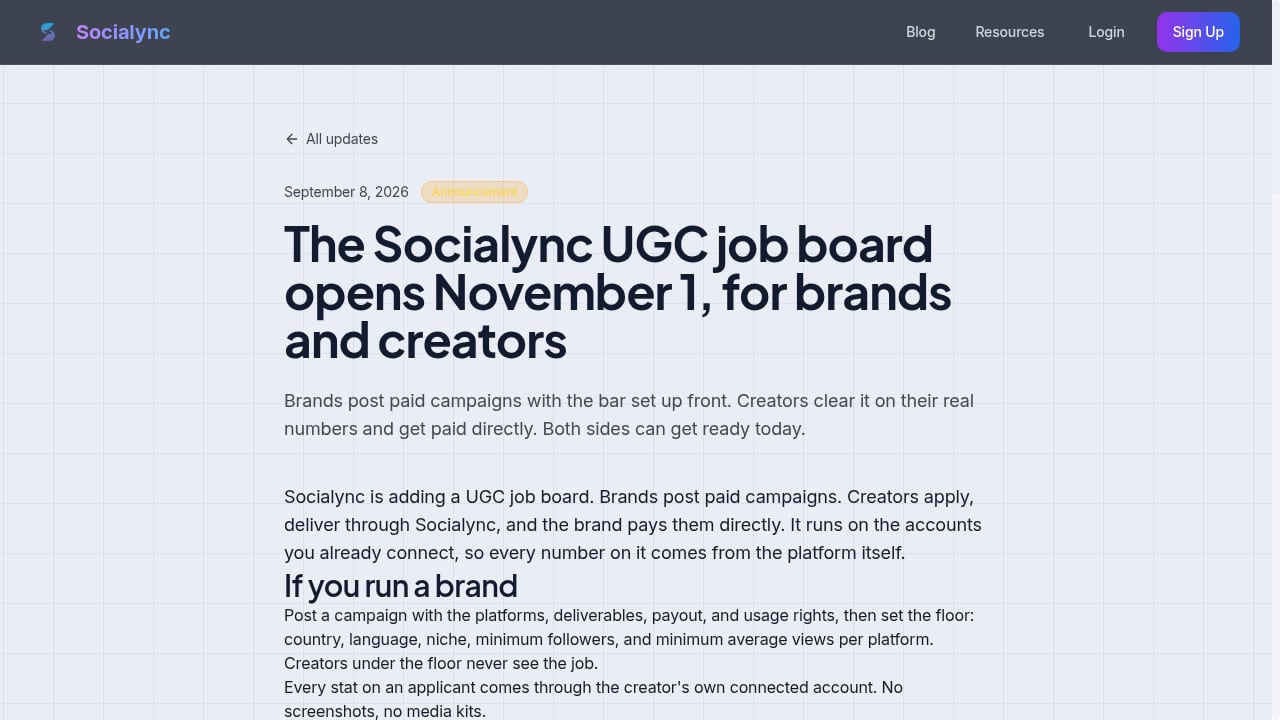
First viewport screenshot of The Socialync UGC job board opens November 1, for brands and creators.
Socialync runs a Creator Spotlight video series for paying members and has announced a UGC job board opening November 1, where brands post paid campaigns with upfront requirements and creators apply and get paid directly based on platform-verified metrics. These programs are not core scheduling features, but they add a creator-community layer that pure scheduling tools rarely offer.
Related reading
- BuzzSumo Review 2026: Features, Pricing & Real Use Cases - Evidence-based BuzzSumo review: content discovery, journalist database, monitoring, pricing signals, setup, limitations, and who should use it in 2026.
- Emplifi Review 2026: Autonomous CX Platform Tested - Evidence-based Emplifi review for 2026: A-CX features, social care, commerce, pricing signals, setup, limitations, and who should use it.
- Later Review 2026: Influencer Marketing & Social Media Tested - Evidence-based Later review for 2026: influencer discovery, campaign management, social scheduling, analytics, pricing signals, setup, and who should use it.
FAQ
Is Socialync free?
There is a free plan, and monthly plans include a 7-day free trial. Paid plans start at $20 per month for five connected accounts, or $15 per month billed yearly.
Which platforms does Socialync support?
Instagram, TikTok, YouTube, Facebook, X, LinkedIn, Threads, and Bluesky.
Can Socialync post directly to TikTok?
Yes. Socialync holds approval for the TikTok Content Posting API, which enables direct publishing rather than reminder notifications.
Does Socialync work for agencies?
It can work for small agencies, but it lacks the approval workflows, granular permissions, and deep reporting that larger agencies typically require.
Can I post from Claude or an API?
Yes. Socialync supports posting from Claude, MCP, and its own API.
What content is prohibited?
Gambling, sports betting, casinos, lotteries, and sweepstakes promotion are prohibited, including affiliate links and referral codes.
Conclusion
Socialync is a focused, fast cross-posting tool for creators and small teams that publish across many networks. Its strengths are real: nine-platform support, unlimited posts, API and MCP access, a comment inbox, and mobile apps at a price that undercuts most suites. Its limits are equally clear: shallow analytics, limited enterprise governance, a young company history, and a strict acceptable use policy that excludes gambling and sweepstakes verticals.
If your workflow is "create once, publish everywhere," and you want to automate posting from AI tools, Socialync is worth testing during the free trial. If you need deep reporting or enterprise controls, start with a heavier platform and use Socialync as a secondary distribution channel.
For reference, see the Trustpilot profile, G2 reviews, and Top Business Software listing for additional user feedback and product details.