Vista Social Review 2026: AI Social Media Management Tested
Vista Social Review 2026: AI Social Media Management Tested
Vista Social is an AI-powered social media management platform that positions itself as an easier-to-use alternative to legacy tools. It bundles publishing, analytics, engagement, DM automation, social listening, review management, employee advocacy, and AI content creation into one command center. Trusted by over 30,000 brands and agencies, it has earned recognition on G2 and Capterra. This review examines its real strengths, limitations, pricing signals, and who should consider it in 2026.
Who Vista Social Is For
Vista Social product interface.
Vista Social targets a wide range of users, but it fits some better than others.
- Agencies and freelancers managing multiple client accounts benefit from white-label options, approval workflows, and a unified inbox.
- Small and medium businesses that need an affordable all-in-one tool without enterprise complexity.
- Creators and solopreneurs who want AI assistance for captions and content ideas.
- Enterprises and educational institutions requiring enterprise-grade security and team collaboration.
- Multi-location brands that need consistent publishing across many profiles.
If you manage a single personal profile with minimal engagement needs, a simpler scheduler may suffice. Vista Social shines when you have multiple accounts, team members, or client reporting requirements.
Key Features and Real-World Use Cases

Vista Social product interface.
Publishing and Scheduling
The post composer supports Facebook, Instagram, X (Twitter), TikTok, LinkedIn, Pinterest, Snapchat, Threads, and Reddit. You can customize each post per network—adding first comments, tagging locations, setting targeting, and inviting collaborators. The visual calendar lets you plan weekly or monthly content, filter posts, and preview Instagram and TikTok grids. A Canva integration means you can design visuals without leaving the platform.
Example: A marketing agency schedules a month of content for five clients, using color-coded labels and approval workflows to keep everything organized.
AI Assistant and AI Agents
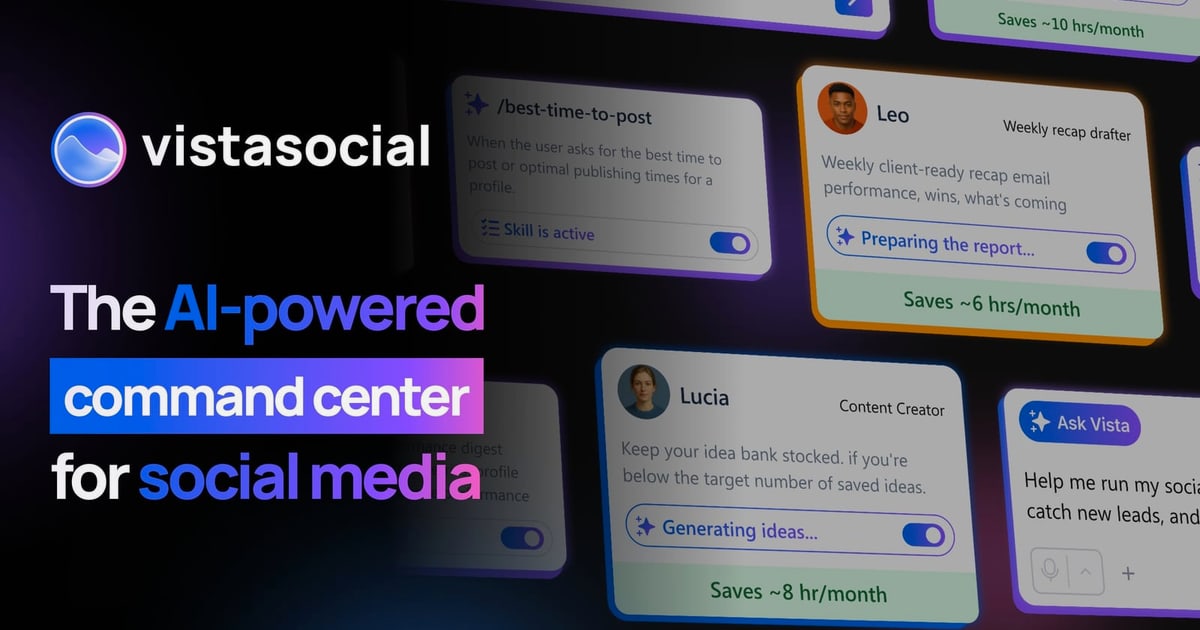
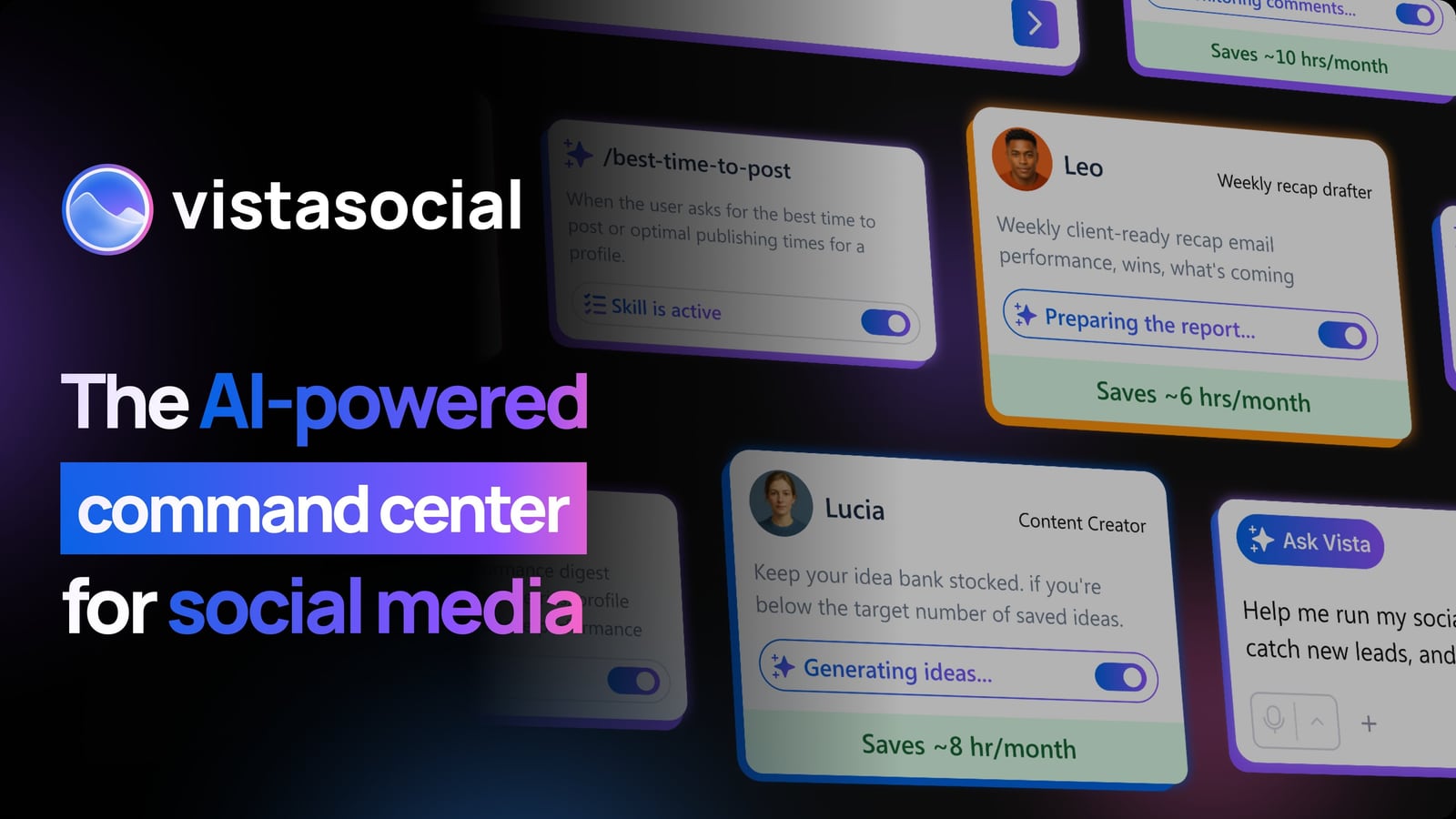
Vista Social includes a ChatGPT-powered AI assistant for generating and improving captions. You can set brand voices for different clients, which is useful for agencies. Beyond the assistant, there are 25+ pre-built AI agents that can watch inboxes, draft replies, summarize activity, and perform actions with consent.
Example: A solo consultant uses an AI agent to monitor mentions and draft responses, saving hours each week.
Unified Social Inbox
The inbox consolidates comments, messages, mentions, and reviews from Facebook, Instagram, X, TikTok, Google Business, YouTube, and LinkedIn. You can reply, assign conversations, and leave internal notes. DM automation lets you send automatic messages when users comment a keyword—a common lead-generation tactic.
Example: A fitness coach sets up a DM automation so anyone commenting “MEAL PLAN” receives a free guide automatically.
Analytics and Reporting
Analytics cover post performance, audience growth, and engagement metrics. You can generate reports for clients, and the calendar shows post-level analytics on hover. Compared to dedicated analytics tools like Iconosquare, Vista Social’s analytics are solid but not as deep for historical trend analysis.
Social Listening and Review Management
Advanced social listening and employee advocacy are add-ons, not included in base plans. This is a common limitation noted in reviews. If listening is critical, factor in the extra cost.
Pricing Signals

Vista Social customer stories.
Vista Social’s pricing is generally positioned as affordable compared to Hootsuite or Sprout Social. Plans start around $39 per month for solo users, scaling up for teams and agencies. However, full social listening and employee advocacy require add-ons, which can increase the total cost. A free trial is available, but some users report confusion when trials end or accounts are flagged. Always confirm the plan details before committing.
For a different pricing model, see our Social Status review, which focuses on analytics for agencies.
Setup and Onboarding
Setup is straightforward: connect social profiles, set up brand voices, and invite team members. The interface is clean and modern, with a shallow learning curve. However, the mobile app is limited—you can’t schedule or set up automations, only view analytics and some inbox items. Several App Store reviews mention this as a drawback for creators on the go. Desktop is where the full power lies.
If you need a mobile-first or self-hosted solution, consider Mixpost for self-hosted scheduling or Postiz for agentic scheduling.
Limitations and Criticisms
- Add-on costs: Social listening and employee advocacy are not in base plans.
- Mobile app gaps: Limited functionality compared to desktop; some users report issues with Instagram Stories and TikTok uploads.
- Customer support: Trustpilot and App Store reviews show mixed experiences—some praise the support, others report slow email responses and no phone support.
- Analytics depth: Not as robust as dedicated analytics platforms for historical data or competitor benchmarking.
These limitations don’t outweigh the benefits for most users, but they matter if you rely heavily on mobile or advanced listening.
Decision Criteria: Is Vista Social Right for You?

Enterprise Grade.
Choose Vista Social if:
- You manage multiple social profiles and want an affordable, easy-to-use tool.
- You need AI assistance for content creation and inbox management.
- You value a unified inbox and approval workflows for team collaboration.
- You can work primarily from desktop.
Look elsewhere if:
- You need deep social listening without add-on costs.
- You require a fully functional mobile app for scheduling.
- You want advanced analytics with competitor benchmarking.
Alternatives to consider: Conbersa for real-device social distribution, Androva for an AI marketing team, or OneUp for straightforward scheduling.
Frequently Asked Questions
Is Vista Social good for agencies? Yes, it offers white-label options, client approval workflows, and multi-account management at a competitive price.
Does Vista Social have a free trial? Yes, but some users report confusion when trials end. Confirm the terms before signing up.
Can I use Vista Social on mobile? The mobile app is limited—you can’t schedule or set up automations. Desktop is recommended for full functionality.
What platforms does Vista Social support? Facebook, Instagram, X (Twitter), TikTok, LinkedIn, Pinterest, Snapchat, Threads, Reddit, Google Business, and YouTube.
Is social listening included? No, advanced social listening is an add-on.
Conclusion
Vista Social is a strong contender for teams, agencies, and SMBs seeking an affordable, AI-enhanced social media management tool. Its unified inbox, AI agents, and publishing capabilities are genuinely useful, and the pricing undercuts many competitors. However, add-on costs, a limited mobile app, and mixed support experiences are real trade-offs. If you work primarily on desktop and need a balance of features and value, Vista Social is worth a trial. For deeper analytics or self-hosted options, explore our other reviews.
External sources: Trustpilot reviews, Copywriters Now review, App Store ratings