HeyOrca Review 2026: Pricing, Features & Who It's For
HeyOrca Review 2026: Pricing, Features & Who It's For
HeyOrca is a social media management platform built for teams and agencies that need to plan, approve, and publish content without juggling spreadsheets or giving clients logins. It claims over 46,000 users, and its testimonials lean heavily on two themes: approval workflows and unlimited users. But does that make it the right tool for your workflow in 2026? This review breaks down what HeyOrca does well, where it struggles, and how to decide if it fits.
What HeyOrca Is and Who It's Built For
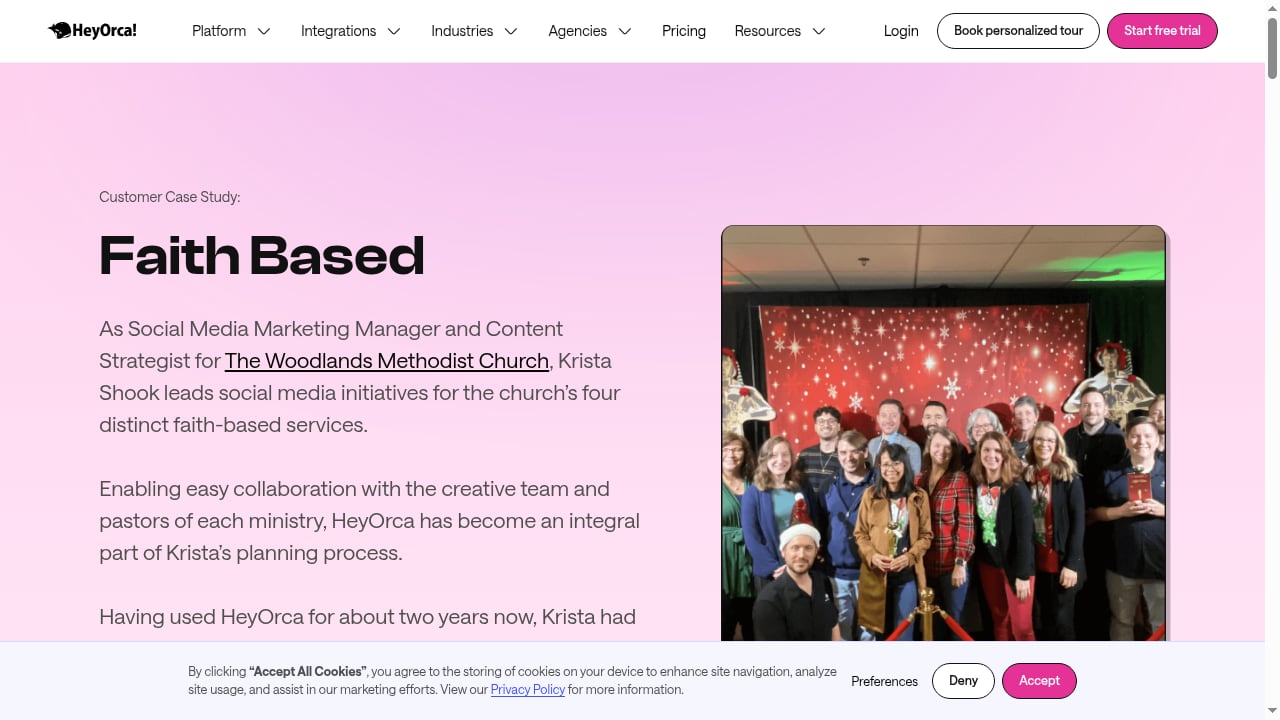
First viewport screenshot of Faith Based | HeyOrca.
HeyOrca combines a visual content calendar, scheduling, publishing, approval workflows, reporting, and community management in one platform. It connects to Facebook, Instagram, LinkedIn, Pinterest, Threads, TikTok, and YouTube. The core pitch is collaboration: unlimited users on paid plans, built-in approvals, and a client-friendly review experience that doesn't require external stakeholders to create accounts.
That makes it a natural fit for:
- Agencies managing multiple client calendars and approval chains.
- Non-profits that need volunteer or board review without per-seat costs.
- Small businesses with a small marketing team and external collaborators.
- Faith-based organizations coordinating content across multiple contributors.
If you're a solo creator posting to one or two accounts, HeyOrca's strengths may be overkill. But if your bottleneck is getting content approved and published on time across several stakeholders, it's aimed directly at you.
Strengths: What Users Actually Praise
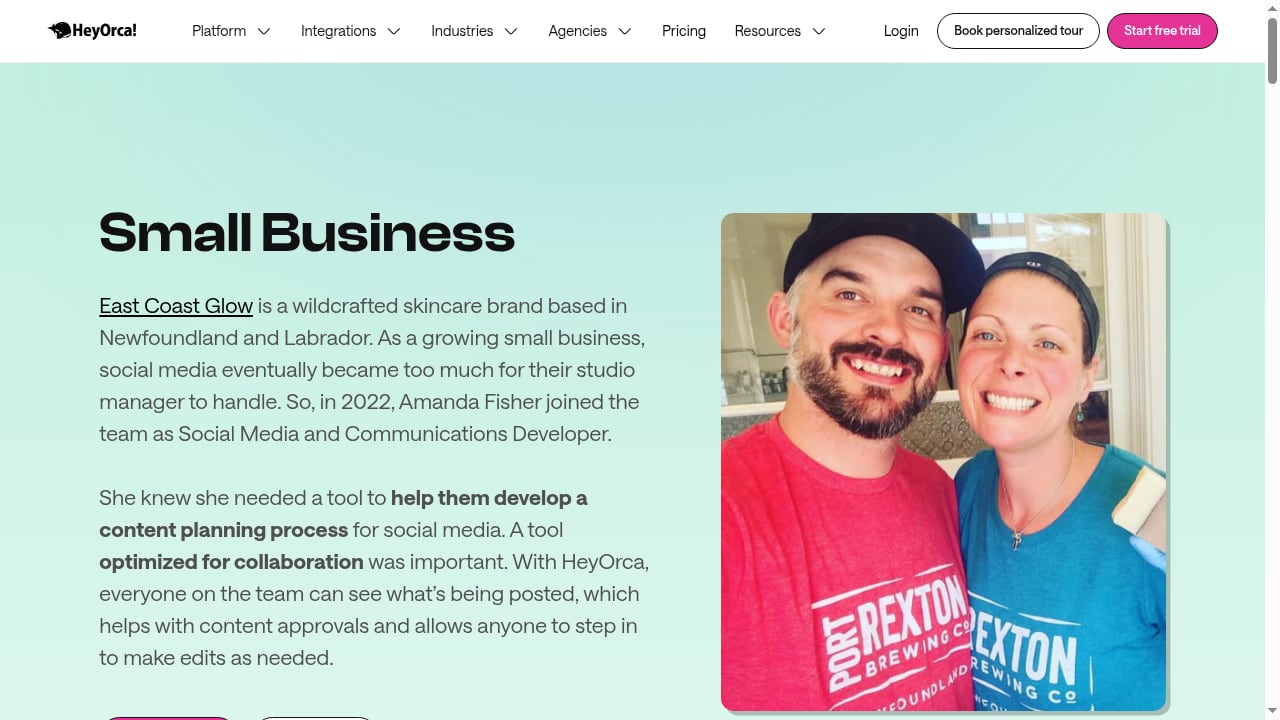
First viewport screenshot of Small Business | HeyOrca.
Visual calendar and grid planning
HeyOrca's calendar view is consistently cited as intuitive. You can see scheduled posts across platforms at a glance, drag to rearrange, and preview how an Instagram grid will look before publishing. For visual-first brands, the grid preview removes guesswork.
Approval workflows that don't require client logins
This is HeyOrca's standout feature. Clients and external stakeholders can review, comment on, and approve posts without creating an account. Multiple testimonial sources highlight this as a time-saver compared to tools that force clients into a separate login flow. If your approval process currently lives in email threads or shared docs, this alone can justify the switch.
Unlimited users on paid plans
Most social media tools charge per seat. HeyOrca prices per social brand calendar, with unlimited users on paid plans. For agencies with account managers, designers, copywriters, and clients all needing access, that pricing model can be significantly cheaper than per-seat alternatives. One reviewer noted it avoids "nickel and diming" clients with larger teams.
Community management and engagement tools
Beyond scheduling, HeyOrca includes link in bio with click tracking, Instagram auto DMs, trending audio recommendations for Instagram and TikTok, and best time to post suggestions. These are practical additions for social media managers who want to keep engagement and publishing in one place.
AI writing and Canva integration
AI writing tools help draft captions, and the Canva integration lets you pull designs directly into posts. Neither is unique to HeyOrca, but having them inside the same workflow reduces tool-switching.
Limitations and Trade-offs
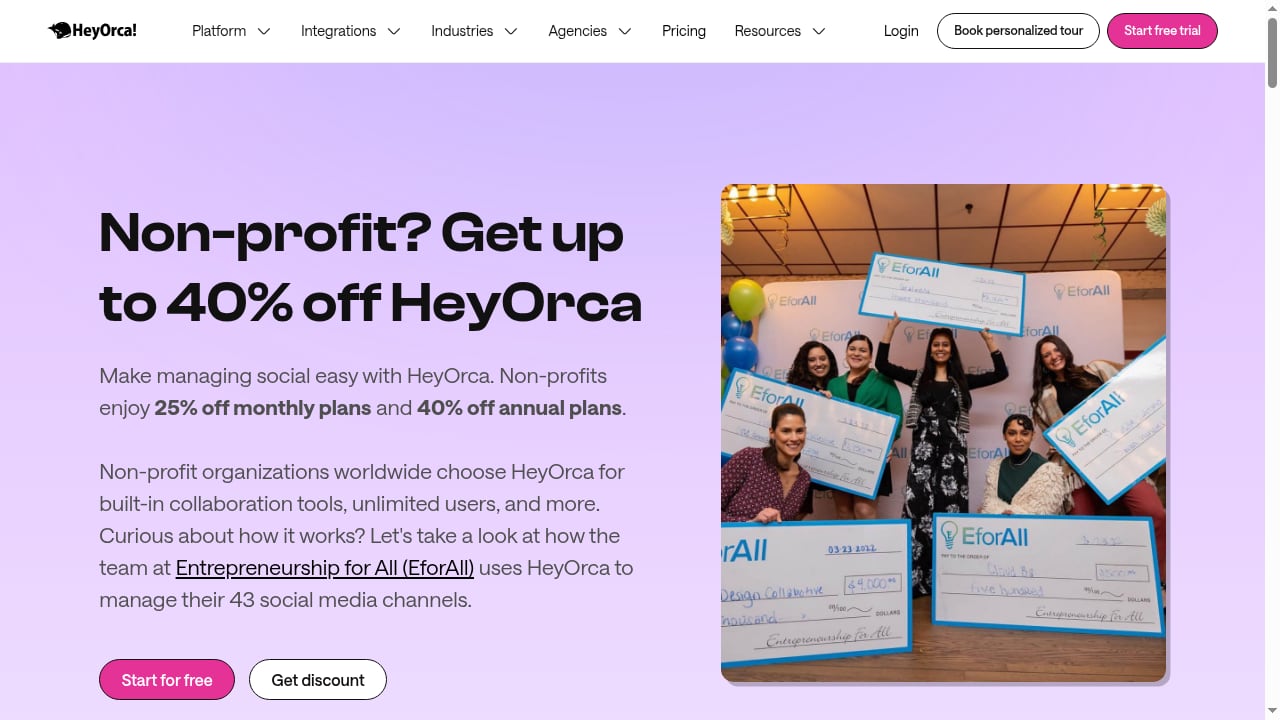
First viewport screenshot of Non-profit? Get up to 40% off HeyOrca | HeyOrca.
Performance can be inconsistent
Capterra reviews mention slow load times. For a calendar-heavy tool, that's a real friction point during busy planning sessions. It's not a dealbreaker, but it's worth testing during a trial with your actual content volume.
Pricing is per calendar, not per user
This is a strength for large teams and a potential weakness for solo users or very small teams. If you only manage one or two calendars, the value proposition is thinner. If you manage ten client calendars, the math flips in your favor. You'll need to map your calendar count before committing.
Reporting is functional, not enterprise-grade
HeyOrca provides comprehensive reports, but if you need advanced attribution, cross-channel dashboards, or custom data warehousing, you may outgrow it. Tools like Sprout Social or Sprinklr serve larger enterprises with deeper analytics, at a higher cost and complexity.
Platform coverage is broad but not exhaustive
HeyOrca supports Facebook, Instagram, LinkedIn, Pinterest, Threads, TikTok, and YouTube. If you rely on X (Twitter), you'll need a different tool or a workaround. Check current platform support before committing.
Pricing Signals: What to Expect
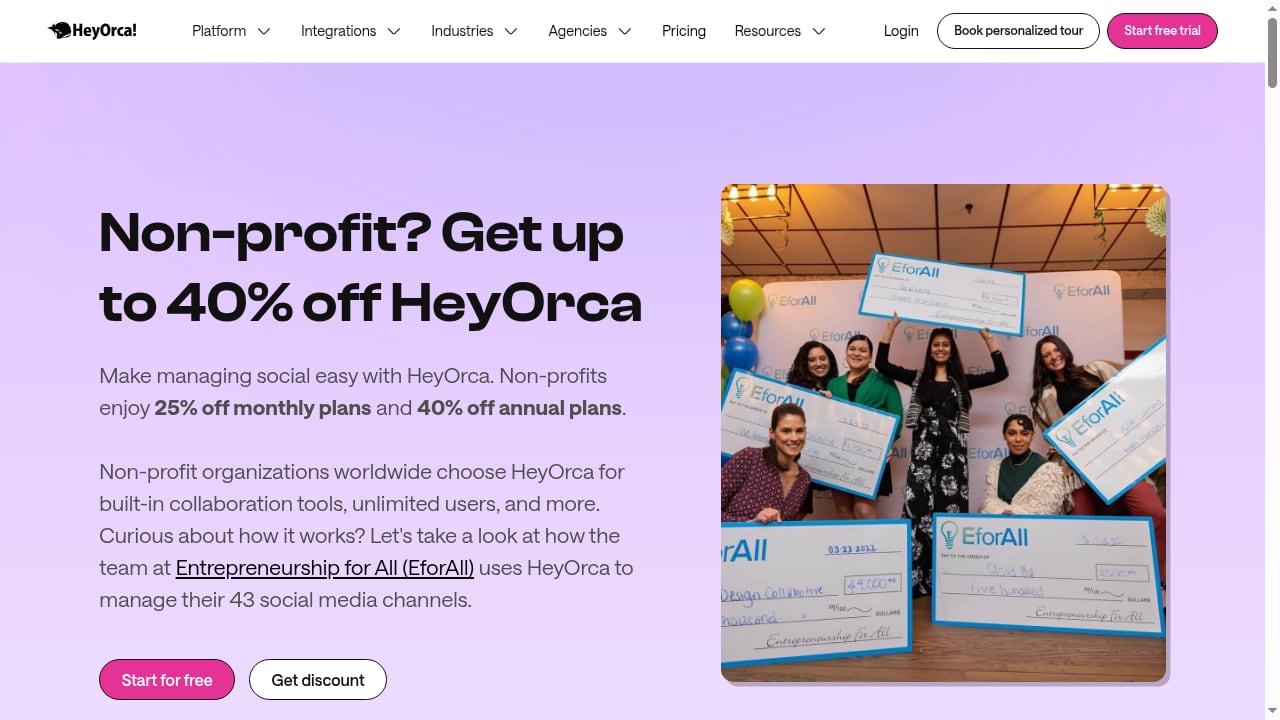
First viewport screenshot of Non-profit? Get up to 40% off HeyOrca | HeyOrca.
HeyOrca offers a free plan for early-stage brands and personal projects. Paid plans are priced per social brand calendar and include unlimited users, unlimited posts and approvals, and unlimited media storage. Non-profits receive 25–40% discounts, and there's a dedicated program for agencies.
Because pricing scales with calendars rather than seats, the effective cost per user drops as your team grows. For a five-person agency managing eight client calendars, the per-user cost can be far lower than per-seat tools. For a solo consultant with two calendars, it may be comparable to or higher than alternatives.
If you're comparing budget options, SocialBu and ContentStudio offer different pricing models that may suit smaller operations. HeyOrca's advantage is specifically in multi-stakeholder collaboration.
Setup and Onboarding
HeyOrca is generally described as easy to onboard. You connect social accounts, create a calendar, and invite team members or clients. The approval workflow is configurable, so you can set who can create, review, and publish. Testimonials mention onboarding clients easily and impressing them with the review experience.
A practical setup sequence:
- Connect your social profiles and verify permissions.
- Create a calendar for each brand or client.
- Invite internal team members and assign roles.
- Add external clients as reviewers (no login required).
- Configure approval steps and notification preferences.
- Schedule a test post and run it through the full approval flow.
If you manage many clients, do a pilot with two or three before rolling out broadly. That surfaces permission issues early.
How HeyOrca Compares to Alternatives
| Tool | Best for | Pricing model | Key differentiator |
|---|---|---|---|
| HeyOrca | Agencies and teams needing client approvals | Per calendar, unlimited users | Client review without logins |
| Sprout Social | Mid-to-large teams needing deep analytics | Per seat | Unified inbox and reporting depth |
| SocialBu | Budget-conscious teams wanting automation | Tiered plans | AI and automation at lower cost |
| ContentStudio | Content discovery and AI writing | Tiered plans | AI Studio and content curation |
| MeetEdgar | Evergreen content recycling | Tiered plans | Category-based content library |
If your primary pain is client approvals and team collaboration, HeyOrca is purpose-built for that. If your pain is analytics depth or enterprise governance, look at Sprout Social or Sprinklr.
Decision Criteria: Who Should Choose HeyOrca
Choose HeyOrca if:
- You manage multiple client calendars and need efficient approvals.
- You want unlimited users without per-seat costs.
- Your clients need to review content without creating accounts.
- You value a visual calendar and Instagram grid preview.
- You're a non-profit eligible for discounted pricing.
Look elsewhere if:
- You need X (Twitter) publishing.
- You require advanced analytics or custom reporting.
- You're a solo user with one calendar and a tight budget.
- You need enterprise-grade governance and compliance features.
Test during trial:
- Load speed with your actual number of scheduled posts.
- Client approval flow from the client's perspective.
- Reporting output against your stakeholder requirements.
- Platform connections for your specific channels.
Related reading
- Upload-Post Review 2026: Social Media Posting API Tested - Evidence-based Upload-Post review for 2026: API setup, pricing signals, platform coverage, limitations, and who should choose it over Ayrshare or Blotato.
Sources and further reading
- Testimonials | HeyOrca - Is HeyOrca the right social media scheduler for you? Read real reviews from 10K+ users and see why social media managers love HeyOrca.
- HeyOrca Reviews 2026: Details, Pricing, & Features - G2 - Users consistently praise the ease of use and customer support of HeyOrca, highlighting its intuitive interface that simplifies social media scheduling and ...
- HeyOrca Reviews 2026. Verified Reviews, Pros & Cons - Capterra - "Its decent and gets the job done" ... Its good for collaborating on social media posts and planning for the future, many times it loads really slow but can be ...
FAQ
Is HeyOrca good for agencies?
Yes. HeyOrca is specifically designed for agencies managing multiple client calendars. Unlimited users on paid plans and client approvals without logins are the two features agencies cite most often. It also has a dedicated agency program.
Does HeyOrca have a free plan?
Yes. HeyOrca offers a free plan for early-stage brands and personal projects. Paid plans are priced per social brand calendar and include unlimited users, posts, approvals, and media storage.
What platforms does HeyOrca support?
HeyOrca supports Facebook, Instagram, LinkedIn, Pinterest, Threads, TikTok, and YouTube. It does not currently support X (Twitter), so verify platform coverage if that's essential.
How does HeyOrca pricing work?
Pricing is per social brand calendar, not per user. That means you can add unlimited team members and clients to a paid plan without increasing cost. Non-profits receive 25–40% discounts.
Is HeyOrca slow?
Some Capterra reviewers mention slow load times. Performance can vary based on content volume and connection. Test it during a trial with your real workload before committing.
Can clients approve posts without a HeyOrca account?
Yes. External stakeholders can review, comment, and approve content without creating an account. This is one of HeyOrca's most praised features.
Conclusion
HeyOrca earns its reputation as a collaboration-first social media tool. Its visual calendar, client-friendly approvals, and unlimited-user pricing model solve real problems for agencies and teams that coordinate content across many stakeholders. It's less compelling for solo users or teams that need deep analytics and enterprise governance.
The honest verdict: if your workflow involves multiple clients, approval bottlenecks, and team members who need access without per-seat fees, HeyOrca is worth a serious look. If your needs are simpler or more analytics-heavy, compare it against Sprout Social and SocialBu before deciding. Start with the free plan or a trial, run a real client calendar through it, and let the approval flow tell you whether it fits.