Upload-Post Review 2026: Social Media Posting API Tested
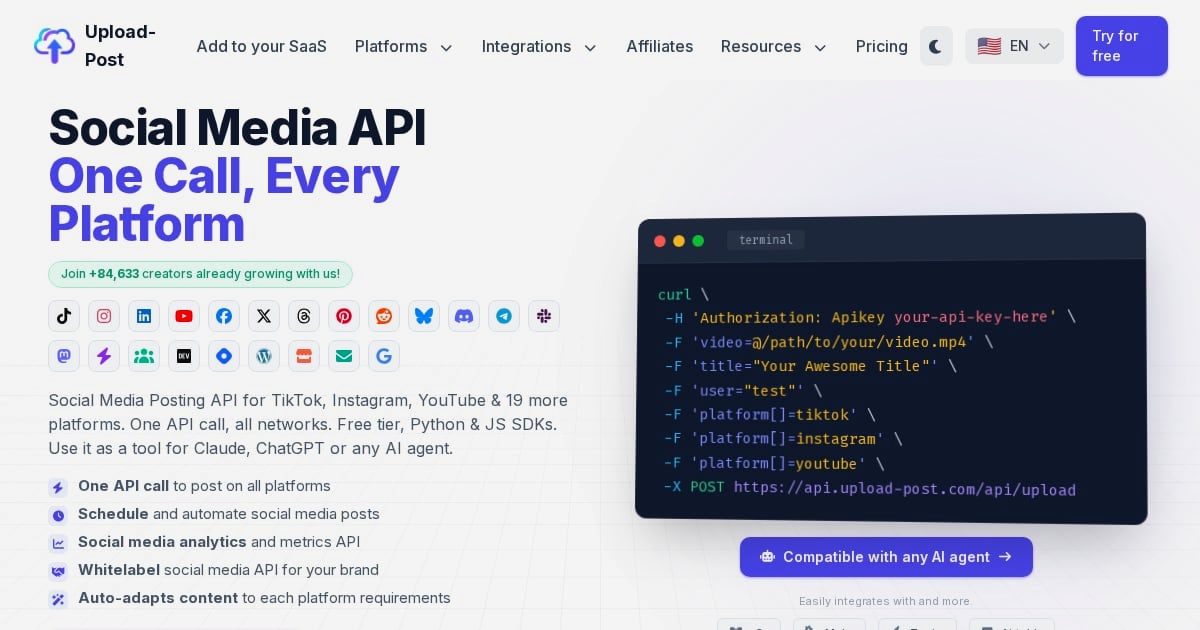
Upload-Post Review 2026: Social Media Posting API Tested
Upload-Post is a unified social media posting API that lets developers, creators, and businesses publish to TikTok, Instagram, YouTube, and 19 other platforms with a single API call. It promises to eliminate the multi-platform integration tax—separate OAuth flows, inconsistent media constraints, and different endpoints—so you can focus on content and automation logic.
This review examines what Upload-Post actually does, who it fits, where it falls short, and how it compares to alternatives like Ayrshare and Blotato.
What Is Upload-Post?
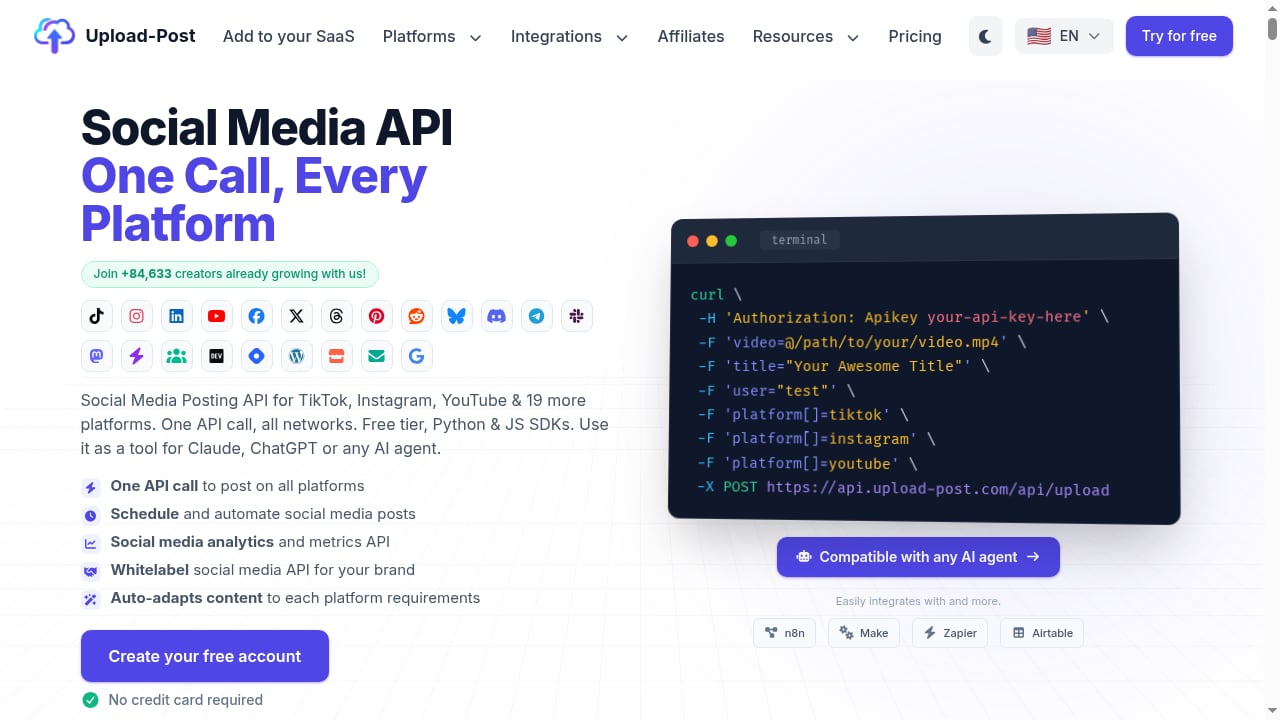
First viewport screenshot of Social Media API - Post Everywhere Easily | Upload-Post.
Upload-Post is a social media posting API built for developers and growth teams who need to ship content distribution as a reliable system, not a manual task. Instead of building and maintaining separate integrations for TikTok, Instagram, YouTube, LinkedIn, Facebook, X, Threads, Pinterest, Reddit, and Bluesky, you connect accounts once and publish through a single API surface.
The platform includes Python and JavaScript SDKs, integrates with AI agents like Claude and ChatGPT, and supports automation tools such as n8n, Make, and Zapier. Key features include scheduling, analytics, whitelabeling, and automatic content adaptation for each platform.
According to the company, Upload-Post is used by over 84,000 creators. Customer stories highlight significant time savings and scalability, such as a newsroom reclaiming 25+ hours per week and a faceless video operation achieving 8.5 million impressions monthly.
Ideal Users and Use Cases
Upload-Post fits best when speed-to-market and reliability matter more than edge-case platform controls.
Who It's For
- Developers building social features into apps — If you're adding social publishing to a SaaS product, Upload-Post removes months of integration work. One reviewer noted it would have taken over six months to build without this API.
- AI agent and automation builders — The API works well with Claude, ChatGPT, n8n, Make, and Zapier. Users report connecting it to Claude for autonomous posting and using n8n templates for streamlined workflows.
- Agencies managing multiple accounts — Whitelabeling and profile-based pricing support client-facing dashboards, though design limitations exist.
- Content operations at scale — A newsroom reclaimed 25+ hours per week; a faceless video operation achieved 8.5 million impressions monthly.
Common Workflows
A typical pipeline looks like this: generate captions with an LLM, produce the final asset (optionally transform with FFmpeg), then schedule posts via Upload-Post so distribution is automated inside your automation stack. This makes Upload-Post the "last-mile" layer that turns AI-generated content into consistent distribution.
Key Features and Strengths

Upload-Post Review 2026: Social Media Posting API Tested - Key Features and Strengths.
Unified Publishing
One API call publishes to 22 platforms. Upload-Post handles OAuth and platform compliance in one place, reducing the risk of failed uploads due to media spec mismatches.
Scheduling and Analytics
Scheduling keeps content cadence consistent without manual intervention. Cross-platform analytics are standardized, making it realistic to build a closed-loop growth system: publish → measure → iterate.
Developer Experience
Python and JavaScript SDKs, clear documentation, and responsive support are recurring themes in user reviews. One developer called the setup "very easy" and "better than most." Another appreciated that the platform is stable and intuitive without needing to dig through documentation.
Automation Integrations
Native n8n nodes and templates, plus Make and Zapier support, mean you can wire Upload-Post into existing automation without custom glue code. Users specifically praise the n8n integration as a "lifesaver."
Pricing Transparency
Upload-Post offers a free tier with 10 uploads per month—enough to validate an MVP before committing. Paid plans start at $24/month with unlimited posts. The company positions itself as a cost-effective alternative to competitors like Ayrshare and Blotato.
Limitations and Considerations

Upload-Post Review 2026: Social Media Posting API Tested - Limitations and Considerations.
Profile-Based Limits
Plan limits are tied to "profiles" (connected accounts), so agencies may outgrow lower tiers quickly. If you manage dozens of client accounts, calculate your profile needs before choosing a plan.
Annual Billing for Entry Plans
Some entry-level pricing is billed annually, which is great for commitment but not ideal for short experiments. The free tier mitigates this, but if you need more than 10 uploads/month for a trial, you'll need to commit.
Whitelabel Design Gaps
One agency user noted that whitelabel pages have some bugs with colors and buttons that "look not very professional for our clients." The company has been responsive to feedback, but if client-facing polish is critical, test the whitelabel experience first.
Platform-Specific Edge Cases
While Upload-Post covers the unified surface area well, if you need deep, network-specific features beyond what the API exposes, you may still need native APIs. A Reddit thread mentioned an issue where reconnecting Facebook linked a personal profile instead of Pages—a reminder that platform quirks can surface.
Pricing Signals
Upload-Post uses a freemium model:
- Free tier: $0 with 10 uploads/month
- Paid plans: Starting at $24/month with unlimited posts (some sources cite $16/month billed annually)
The free tier is generous enough to validate an MVP or test the API's fit for your workflow. Paid plans remove upload limits and add more profiles.
Compared to alternatives, Upload-Post is less expensive than average for unified posting APIs when you factor in the engineering time saved. One user described the price as "super cheap compared to other companies."
Setup and Integration
Setup is designed to be fast. One reviewer found Upload-Post through Claude, spent hours trying to link Instagram, TikTok, and YouTube integrations manually, then had Upload-Post working within 5 minutes.
The process typically involves:
- Create an account and connect your social profiles via OAuth.
- Install the SDK (Python or JavaScript) or use the REST API directly.
- Make a single API call to publish or schedule content.
- Optionally, integrate with n8n, Make, or Zapier for automation.
For developers, the SDKs and documentation reduce the learning curve. For non-developers, the automation integrations provide a no-code path.
How Upload-Post Compares to Alternatives
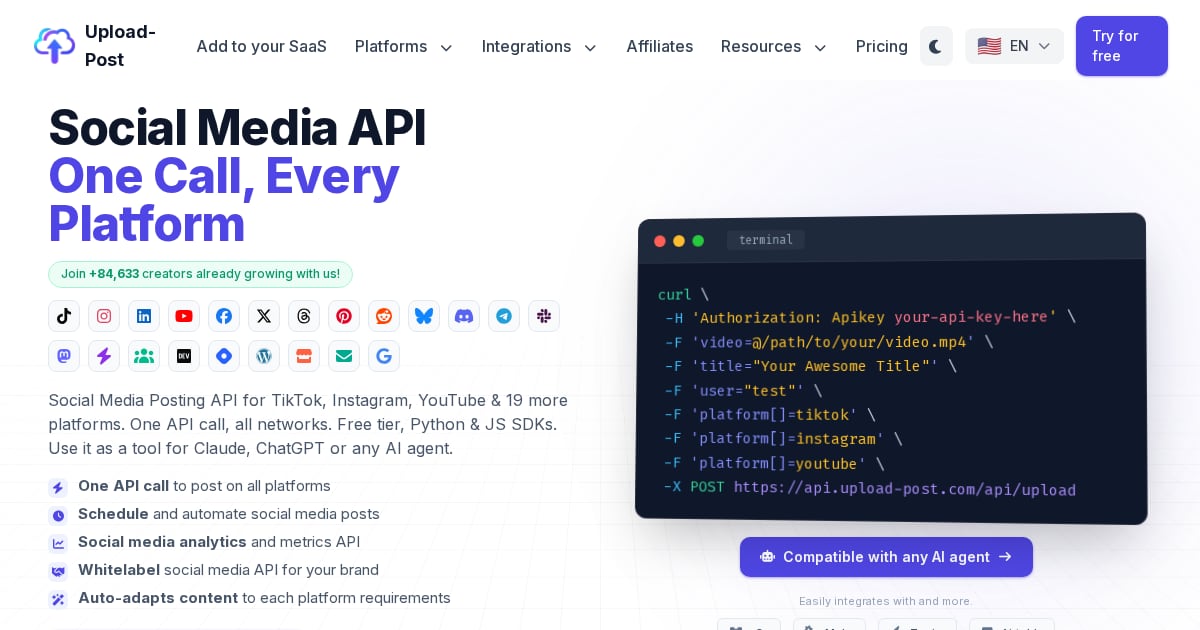
Social Media API - Post Everywhere Easily | Upload-Post.
| Tool | Best For | Pricing Signal | Key Difference |
|---|---|---|---|
| Upload-Post | Developers, AI agents, automation-first teams | Free tier; paid from $24/month | Unified API with strong n8n/Claude integration |
| Ayrshare | Businesses needing social API | Higher pricing tiers | More enterprise-focused, less automation-native |
| Blotato | Creators automating content | Subscription-based | More content-generation oriented |
If you're evaluating broader social media management tools, you might also consider SocialBu for AI content tools and scheduling, or ContentStudio for AI Studio and analytics. For automation-first scheduling, Nuelink is another option.
Decision Criteria: Who Should Choose Upload-Post?
Choose Upload-Post if:
- You're a developer or automation builder who needs to publish to multiple platforms via one API.
- You use AI agents (Claude, ChatGPT) or automation tools (n8n, Make, Zapier) and want a distribution layer.
- You're building a SaaS product with social publishing features and want to avoid months of integration work.
- You value transparent pricing and a generous free tier for validation.
Skip Upload-Post if:
- You need deep, platform-specific features that require native APIs.
- You manage many client accounts and profile limits would force an expensive tier.
- You need polished whitelabel client portals today.
- You prefer a full social media management suite with inbox, listening, and publishing in one UI.
Related reading
- Sprinklr Review 2026: AI-Native CXM for Large Enterprises - Evidence-based Sprinklr review for 2026: Unified-CXM suites, AI copilots, pricing signals, setup effort, limitations, and who should really buy it.
- Sprout Social Review 2026: Is the Premium Price Worth It? - Evidence-based Sprout Social review for 2026: unified inbox, analytics, pricing signals, setup effort, limitations, and who should really pay for it.
FAQ
Is Upload-Post free?
Yes, Upload-Post offers a free tier with 10 uploads per month. Paid plans start at $24/month with unlimited posts.
Which platforms does Upload-Post support?
Upload-Post supports TikTok, Instagram, YouTube, LinkedIn, Facebook, X (Twitter), Threads, Pinterest, Reddit, Bluesky, and more—22 platforms in total.
Does Upload-Post work with n8n?
Yes. Upload-Post has native n8n nodes and templates, and users frequently praise the n8n integration for ease of use.
Can I use Upload-Post with Claude or ChatGPT?
Yes. Upload-Post integrates with AI agents like Claude and ChatGPT, allowing for autonomous posting workflows.
How does Upload-Post compare to Ayrshare?
Upload-Post positions itself as a cost-effective alternative to Ayrshare, with transparent pricing and a generous free plan. Ayrshare may suit larger enterprises with different needs.
What are the main limitations of Upload-Post?
Profile-based limits, annual billing for some entry plans, whitelabel design gaps, and potential platform-specific edge cases are the main considerations.
Conclusion
Upload-Post is a focused, developer-friendly social media posting API that solves a real problem: the multi-platform integration tax. Its strengths—unified publishing, strong automation integrations, transparent pricing, and a generous free tier—make it a strong fit for developers, AI agent builders, and automation-first teams.
Its limitations—profile-based limits, whitelabel polish, and reliance on unified surface area—mean it's not for everyone. If you need deep platform-specific controls or a full social media management suite, other tools may serve you better.
For teams that value speed-to-market, reliability, and automation, Upload-Post is worth testing. Start with the free tier, validate your workflow, and scale from there.
Sources: Upload-Post reviews, LinkStartAI review, Reddit discussion