Donivo Review 2026: Pricing, Limits, and Who It Fits
Donivo Review 2026: Pricing, Limits, and Who It Fits
Donivo is a social media scheduling and management platform built around one promise: publish to eight networks from a single workflow without paying extra for each connected account. This review examines what the product actually does, where its limits sit, and which teams get real value from it.
What Donivo is and who it is for
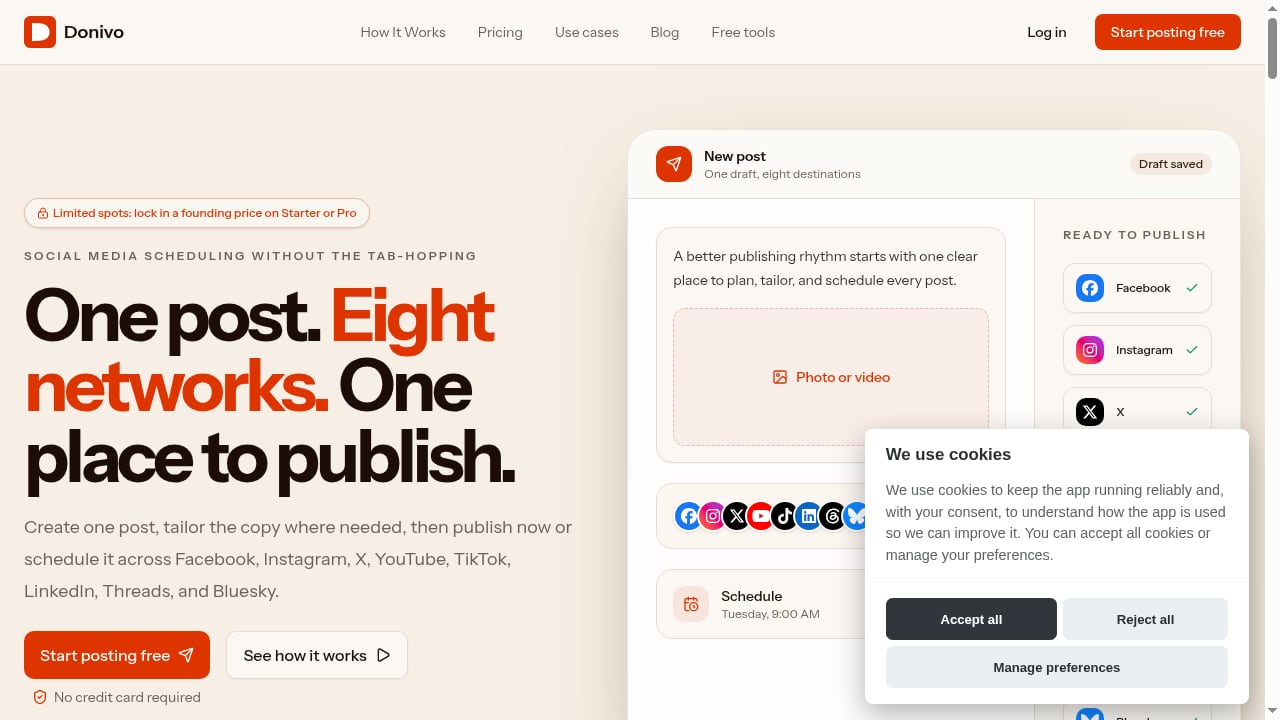
First viewport screenshot of Social Media Scheduler for 8 Networks.
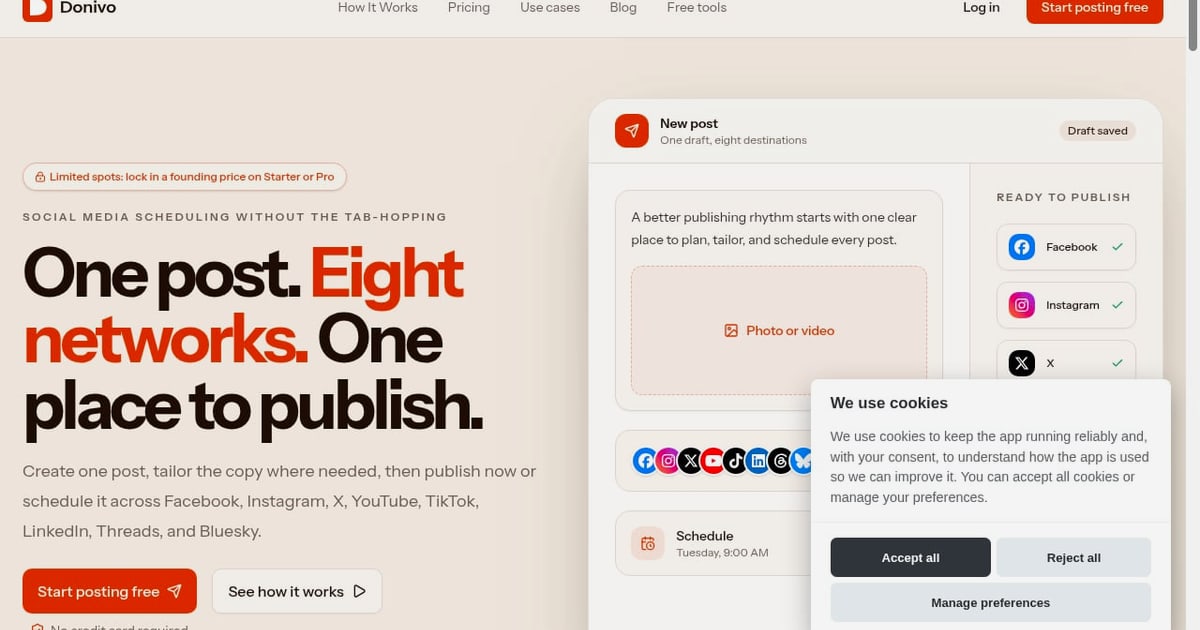
Donivo is a focused publishing system. You prepare one post, tailor it for each network, schedule it, and then check delivery. It supports eight networks: Facebook, Instagram, X, YouTube, TikTok, LinkedIn, Threads, and Bluesky.
The product is aimed at creators, small businesses, agencies, and organizations that need dependable publishing without the cost of a full social suite. It does not try to be a listening platform, an inbox, or an approval engine. That narrow scope is the core of both its appeal and its main limitation.
How the workflow actually works
Step 1: Prepare one useful idea
You start with a single piece of content, such as a product update, a tip, or a short video. Donivo assumes you already know what you want to say.
Step 2: Tailor it per network
Each network gets its own version. A short text post for X, a visual-first caption for Instagram, a professional framing for LinkedIn. This is manual tailoring, not automatic rewriting, which keeps the output accurate but requires your attention.
Step 3: Schedule across accounts
You place the post into a calendar and assign it to the relevant accounts. The scheduling model is calendar-based and straightforward.
Step 4: Check delivery
After publishing, you review whether posts went out as planned. The product emphasizes delivery checks rather than deep engagement analytics.
Pricing signals and plan structure
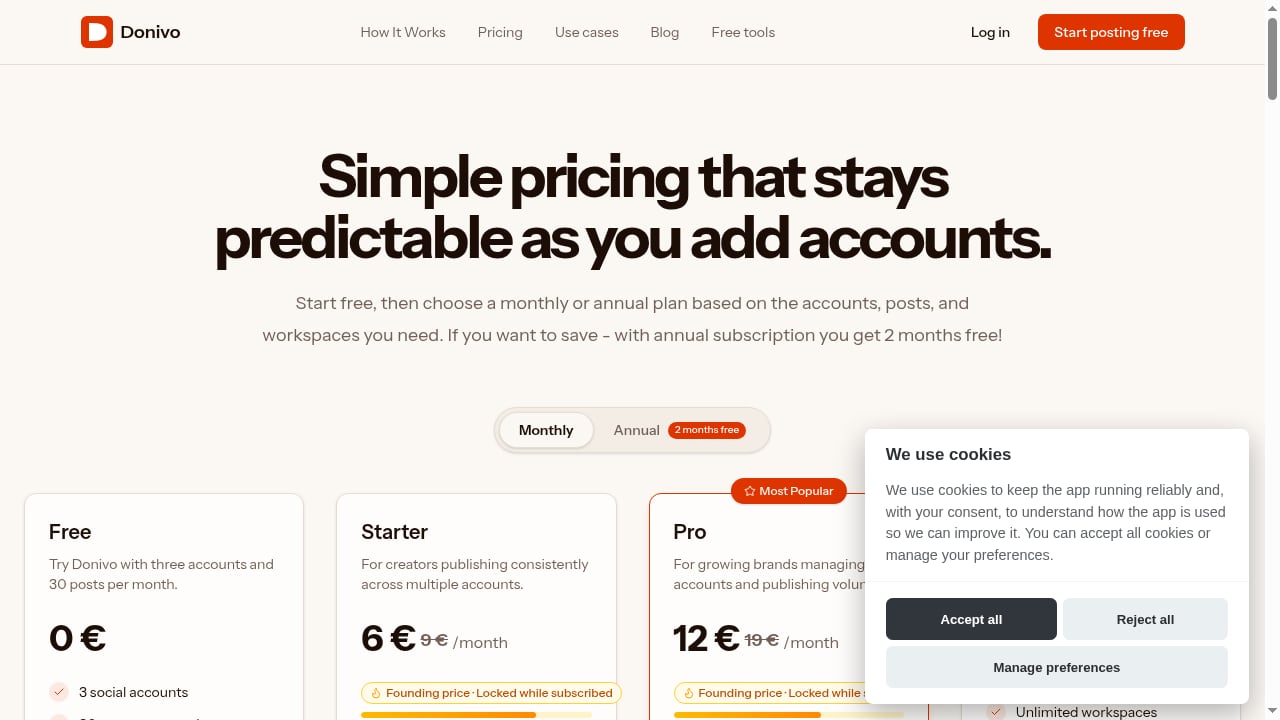
First viewport screenshot of Pricing & Plans - Schedule posts from $0/mo.
Donivo uses flat plan allowances instead of per-channel billing. Based on the vendor's published research, the structure looks like this:
- Free plan: three social accounts and 30 posts per month, no credit card required.
- Paid tiers (Starter, Pro, Agency): increasing limits on accounts, posts, and workspaces.
- Trial: paid plans include a 7-day free trial.
- Founding prices: locked while the subscription remains active.
- Annual billing: effectively two months free.
A commonly cited entry signal is around $7 per month for the focused publishing tier. Treat that as a directional figure and verify current pricing on the vendor's site before buying, since plans change.
The important structural point is predictability. Because accounts are bundled rather than billed individually, the cost does not climb every time you add a network profile. That matters most for teams managing many accounts.
Where Donivo is strong
- Flat account allowances. Adding accounts does not automatically raise the bill, which is unusual in this category.
- Eight-network coverage. Facebook, Instagram, X, YouTube, TikTok, LinkedIn, Threads, and Bluesky in one workflow.
- A permanent free plan. Three accounts and 30 posts per month is enough to test the real workflow before paying.
- Predictable pricing. Founding price locks and bundled limits reduce budget surprises.
- Practical guidance. The site publishes 21 industry-specific use-case guides covering agencies, artists, banks, cannabis businesses, churches, law firms, and local businesses, with honest boundaries rather than pure promotion.
Where Donivo falls short
Donivo is explicit about what it does not do. Buyers should take those boundaries seriously.
- No social listening. There is no monitoring for brand mentions or sentiment.
- No approval workflows. Teams needing review stages before publishing will find this missing.
- No visual grid preview. Instagram-first brands that rely on grid planning will prefer a visual planner.
- No customer care inbox. Conversation management is out of scope.
- Manual tailoring. Cross-network adaptation is hands-on rather than automated.
If your job is publishing, these gaps may not matter. If your job is engagement, governance, or reporting, they will.
Donivo compared with alternatives
| Tool | Best for | Key trade-off |
|---|---|---|
| Donivo | Focused multi-network publishing | No listening, approvals, or visual grid |
| Buffer | Beginners with few channels | Per-channel pricing adds up |
| Later | Instagram-first brands | Visual workflow, higher entry price |
| Hootsuite | Enterprise governance | Per-seat pricing, no free plan |
| SocialBee | Evergreen content recycling | Requires category setup |
| Publer | Low single-account entry price | Costs grow as accounts stack |
For a deeper look at how Donivo sits against a broader suite, see this Hootsuite review. If visual planning is your priority, the Later review covers that workflow in detail. Creators focused mainly on text networks may prefer the approach described in the Typefully review.
Setup and onboarding
Setup is lightweight compared with enterprise suites. You connect your social accounts, confirm permissions, and begin scheduling. There is no infrastructure to maintain and no Docker or API configuration required, which separates it from self-hosted options.
The free plan is the practical starting point. Connect three accounts, publish within the 30-post monthly limit, and judge whether the tailoring workflow fits how your team already works. A comparison of scheduler alternatives is useful if you want to shortlist before committing.
Decision criteria: should you choose Donivo?
Choose Donivo if:
- You publish to several networks and want one workflow.
- You manage multiple accounts and want predictable costs.
- You do not need listening, approvals, or an inbox.
- You want to test with a free plan before paying.
Look elsewhere if:
- You need approval stages or client sign-off.
- You rely on visual grid planning for Instagram.
- You need social listening or customer care.
- You want automated content generation or repurposing.
Related reading
- Socialync Review 2026: Fast Cross-Posting for Creators - Evidence-based Socialync review for 2026: cross-posting to 9 networks, scheduling, analytics, pricing signals, setup, limitations, and who should use it.
- BuzzSumo Review 2026: Features, Pricing & Real Use Cases - Evidence-based BuzzSumo review: content discovery, journalist database, monitoring, pricing signals, setup, limitations, and who should use it in 2026.
- Emplifi Review 2026: Autonomous CX Platform Tested - Evidence-based Emplifi review for 2026: A-CX features, social care, commerce, pricing signals, setup, limitations, and who should use it.
FAQ
Is Donivo free?
Yes. The free plan includes three social accounts and 30 posts per month with no credit card required.
Which networks does Donivo support?
Facebook, Instagram, X, YouTube, TikTok, LinkedIn, Threads, and Bluesky.
Does Donivo charge per social account?
No. It uses flat plan allowances, so adding accounts within your tier does not trigger per-channel fees.
Does Donivo have social listening or approvals?
No. Those features are outside its scope, and the vendor states this openly.
Is there a trial for paid plans?
Yes, paid plans include a 7-day free trial.
How does Donivo compare with Buffer?
Buffer is beginner-friendly but bills per channel. Donivo bundles accounts into flat tiers, which favors teams with many profiles.
Conclusion
Donivo is a deliberately narrow tool. It schedules and publishes to eight networks with predictable, bundled pricing and a usable free tier. It does not attempt listening, approvals, or visual planning, and it says so. For creators, small businesses, and agencies whose real job is getting content out the door across multiple networks, that focus is a feature rather than a shortcoming. Start with the free plan, test your actual workflow, and let the limits tell you whether a paid tier is worth it.
For market context, see this vendor-published comparison of 21 scheduling tools and this Publer vs Donivo comparison.