dlvr.it Review 2026: Pricing, Features, Pros & Cons
dlvr.it Review 2026: Pricing, Features, Pros & Cons
Most social media tools ask you to sit down and schedule posts. dlvr.it asks you to connect a source once and then walk away. It is a social media automation platform built around RSS feeds, blogs, photos, and videos, and it pushes that content to as many as 21 social networks on your behalf. This review looks at what it actually does well, where it falls short, what the pricing signals suggest, and which teams should seriously consider it.
What dlvr.it Is and How It Works
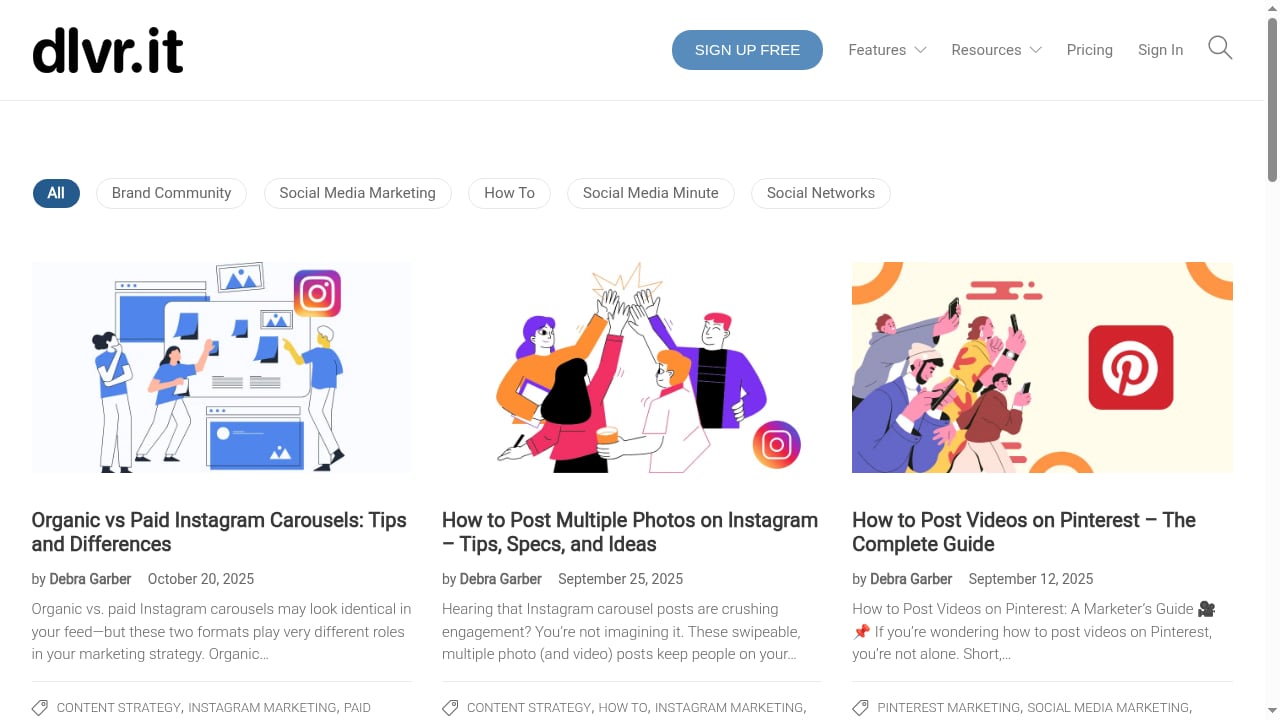
First viewport screenshot of dlvr.it | blog -.
dlvr.it is an automation-first scheduler. Instead of a calendar-first workflow, you define a source (an RSS feed, a blog, a photo library, a video feed) and a destination (one or more social profiles). The platform then publishes new items as they appear, optionally with filters, delays, and formatting rules.
That model matters because it changes the job. You are not writing 30 posts a month; you are curating a pipeline. The tool does the distribution, and you intervene only when you want to.
Core capabilities
- RSS and blog auto-posting. New feed items are detected and published to connected networks, with support for multiple feeds and per-feed routing.
- Photo and video distribution. Photos, Instagram Reels, and videos can be pushed automatically, and TikTok videos can be repurposed into other networks.
- Broad network coverage. The platform lists support for Facebook, Instagram, Twitter/X, Bluesky, TikTok, Threads, Pinterest, LinkedIn, and Google Business Profile, among others.
- Scheduling and queues. You can schedule tweets and other posts, set posting windows, and control how often a source publishes.
- Analytics and reporting. Basic performance tracking is available so you can see which sources and networks actually produce engagement.
Who dlvr.it Is Really For
First viewport screenshot of dlvr.it | blog -.
Automation tools are not for everyone. dlvr.it fits best when your content already exists somewhere and you need it distributed consistently.
Strong fits
- Bloggers and publishers who want every new article pushed to social channels without manual work.
- Content marketers running evergreen or high-volume publishing schedules.
- Small business owners who cannot afford daily manual posting but need a consistent presence.
- Agencies managing many client feeds and needing a low-touch distribution layer.
Weak fits
- Brands that need heavy creative control over every caption, image crop, and hook.
- Teams that rely on conversation and community management as their main social activity.
- Accounts with strict compliance review before anything goes live.
If your social strategy is mostly reactive and conversational, a scheduling and inbox tool such as Sked Social will serve you better than a feed-driven automation engine.
Setup and Day-to-Day Use
Setup is the part dlvr.it does unusually well. The typical flow looks like this:
- Create an account and connect your social profiles through the platform's authorization flow.
- Add a content source, usually an RSS feed URL or a blog.
- Choose which networks should receive that source.
- Set filters, posting windows, and formatting rules.
- Let it run, then review analytics after a week or two.
The first configuration takes minutes, not hours. The real work is in step 4: deciding how often a source should post and what should be filtered out. One reviewer quoted on Cuspera recommends choosing content sources that publish no more than about five times a week, which is sensible advice. A feed that publishes 20 times a day will flood your audience unless you throttle it.
Practical example: a niche blog
Suppose you run a blog that publishes three articles a week. You connect the RSS feed, route it to Twitter/X, Facebook, LinkedIn, and Bluesky, and set a one-hour delay so you can catch typos before they spread. You add a filter to skip posts tagged as "sponsored." Total ongoing effort: near zero. That is the core value proposition, and it holds up.
Practical example: an agency with ten clients
An agency can create separate sources per client and route each to the right profiles. The risk here is scale without oversight: ten feeds times five networks is fifty potential failure points. You need a weekly check-in to confirm posts are actually going out and that no feed has broken.
Strengths
- Genuinely low-touch automation. Once configured, the system runs without daily input.
- Wide network coverage. Few tools in this price bracket cover as many destinations, including newer networks like Bluesky and Threads.
- Handles multiple content types. Text, images, Reels, videos, and repurposed TikTok content are all supported.
- Useful for high-volume publishers. If you publish often, the time savings are substantial.
- Accessible entry point. The pricing page indicates flexible premium plans that can be customized, which suits small teams testing automation before committing.
Limitations
- Automation can look automated. Feed-driven posts often carry a generic feel. Without formatting rules, your timeline can read like a wire service.
- Limited conversational features. This is a distribution tool, not a community management platform. Expect to handle replies elsewhere.
- Feed hygiene is on you. Broken feeds, duplicate items, and noisy sources are your responsibility to monitor.
- Creative control is constrained. Per-post customization exists but is not the product's strength.
- Review volume is thin. Public feedback is scattered across Trustpilot and software directories such as Capterra, so it is worth reading multiple sources rather than trusting a single score.
Pricing Signals
dlvr.it does not publish a simple public price list in the way many competitors do. Its pricing page describes flexible premium plans that can be customized to fit different needs, which usually means pricing scales with the number of social accounts, sources, or posting volume.
That structure has trade-offs:
- Advantage: you are not forced into a one-size-fits-all tier.
- Disadvantage: you cannot compare costs at a glance, and budget planning requires contacting the vendor.
If predictable, published pricing matters to you, compare against tools with transparent tiers before deciding. Our Mailchimp review covers how a different category of platform structures its plans, which is useful context for evaluating pricing transparency.
dlvr.it vs. Conventional Schedulers
First viewport screenshot of dlvr.it | blog -.
| Dimension | dlvr.it | Calendar-first schedulers |
|---|---|---|
| Primary workflow | Source-driven automation | Manual post creation |
| Best for | High-volume publishing | Curated, low-volume posting |
| Creative control | Moderate to low | High |
| Setup effort | Low | Low |
| Ongoing effort | Very low | Moderate to high |
| Community management | Minimal | Often included |
The decision is straightforward. If your bottleneck is distribution, dlvr.it solves it. If your bottleneck is engagement or brand voice, it does not.
Decision Criteria: Should You Use dlvr.it?
First viewport screenshot of dlvr.it | blog -.
Ask yourself these questions before signing up:
- Do you already produce content somewhere? If yes, automation has something to distribute. If no, fix that first.
- Is your publishing volume high enough to justify automation? A few posts a month may not need it.
- Can you tolerate less control over wording? Automation trades polish for consistency.
- Do you have someone to monitor feeds? Even light automation needs a weekly health check.
- Does your budget allow for custom pricing? If you need a fixed, published number, look elsewhere.
If you answer yes to the first two and accept the trade-offs in the third, dlvr.it is a strong candidate. For teams whose priority is monitoring brand mentions rather than publishing, tools like Brandwatch or Awario address a different problem entirely.
Related reading
- Mention Review 2026: Social Listening Features, Pricing & Fit - Evidence-based Mention review for 2026: media monitoring coverage, sentiment analysis, pricing signals, setup effort, limitations, and who it suits.
- Meltwater Review 2026: Features, Pricing & Who It's For - Evidence-based Meltwater review: media intelligence, social listening, AI visibility, pricing signals, setup, limitations, and who it's really for in 2026.
FAQ
Is dlvr.it free?
It offers a free entry point with limited functionality and paid premium plans. The exact limits change, so check the current pricing page before relying on the free tier for production use.
Which social networks does dlvr.it support?
The platform lists support for a wide range of networks, including Facebook, Instagram, Twitter/X, Bluesky, TikTok, Threads, Pinterest, LinkedIn, and Google Business Profile. Support for individual networks can change, so verify your specific destinations during setup.
Can dlvr.it post Instagram Reels and videos?
Yes. Video and Reels distribution is part of the feature set, along with photo auto-posting and repurposing TikTok videos to other channels.
Does dlvr.it replace a social media manager?
No. It replaces manual distribution, not strategy, copywriting, or community management. Most teams still need a human for replies, campaigns, and creative direction.
Is dlvr.it good for agencies?
It can be, especially for clients with steady publishing output. The main requirement is a monitoring routine so that broken feeds or misrouted posts get caught quickly.
Conclusion
dlvr.it does one job well: it takes content you already publish and distributes it across many networks without daily manual effort. Its strengths are breadth of network support, low setup friction, and genuine time savings for high-volume publishers. Its weaknesses are limited creative control, minimal community features, and pricing that requires a conversation rather than a glance at a table.
If you are a blogger, publisher, content marketer, or agency with a reliable content pipeline, dlvr.it is worth testing. If your social presence depends on conversation, curation, and tight brand voice, choose a calendar-first tool instead. Match the tool to the bottleneck, and the decision becomes easy.